
Amazon Creative Studio
Create images and
videos for ads.
Tools for making creative for your ads.
Comparing Amazon Creative Studio?
For Amazon sellers and agencies. Make 7 listing images or a short product video. Start with your Amazon ASIN.
Looking for video ads? See the videos Start with a product photo instead

 What our customers say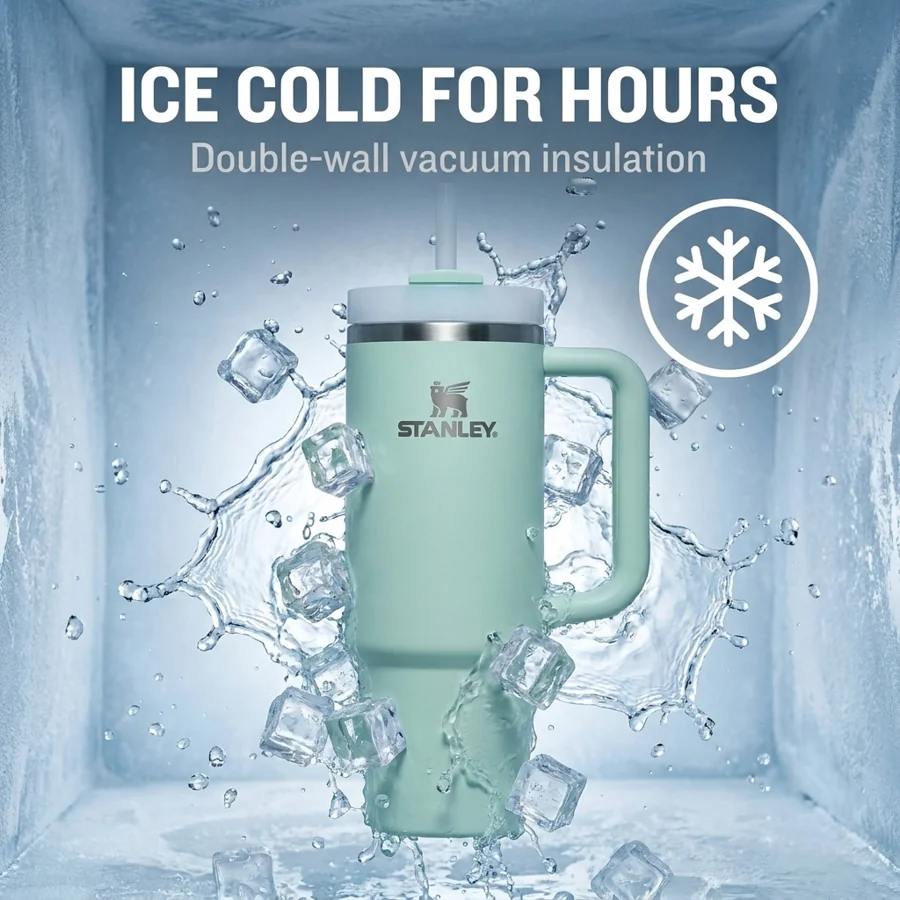

Product videos
Show your product in action. Create short videos for your ads, social posts and product page.
A jar of pasta sauce surrounded by tomatoes, basil and garlic. This example has no audio.
We couldn’t load this example. Choose another video to keep watching.
See a few examples
Different products. Different styles.
Start with your own product.
Enter your Amazon product code.
Pixii uses the photos from your listing.
Show what your product looks like, how it works and why shoppers might choose it.
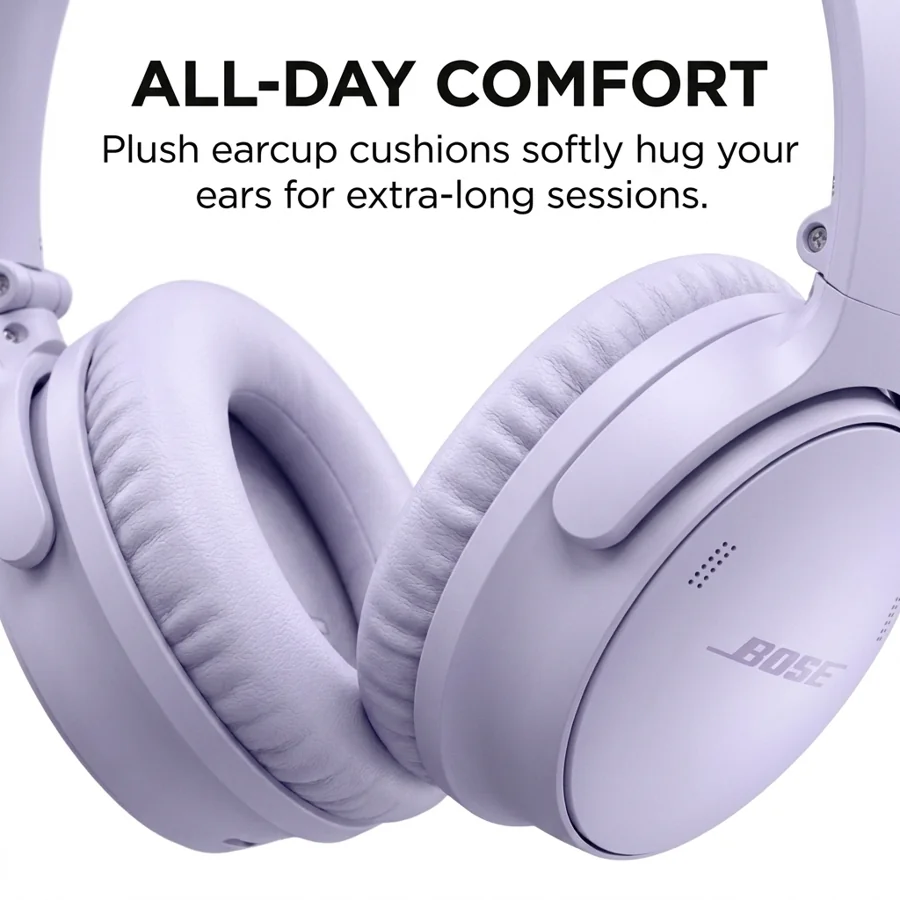
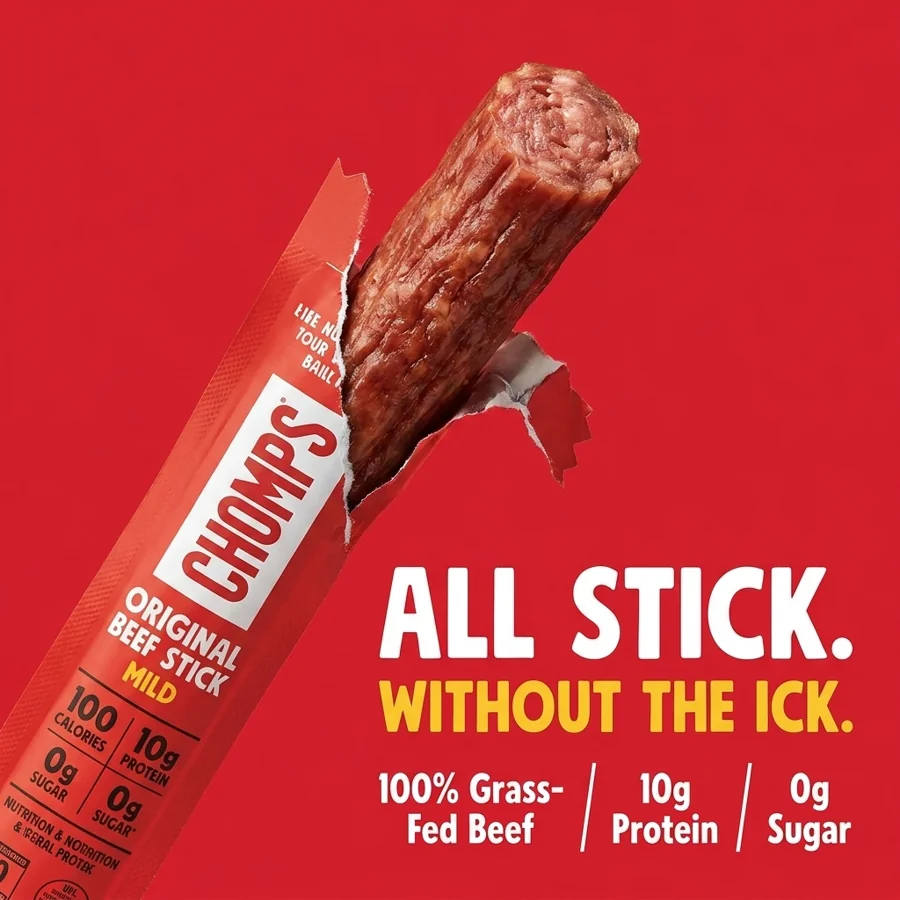
Example designs made in Pixii.
Showing all 8 product examples.
Beyond the 7 listing images
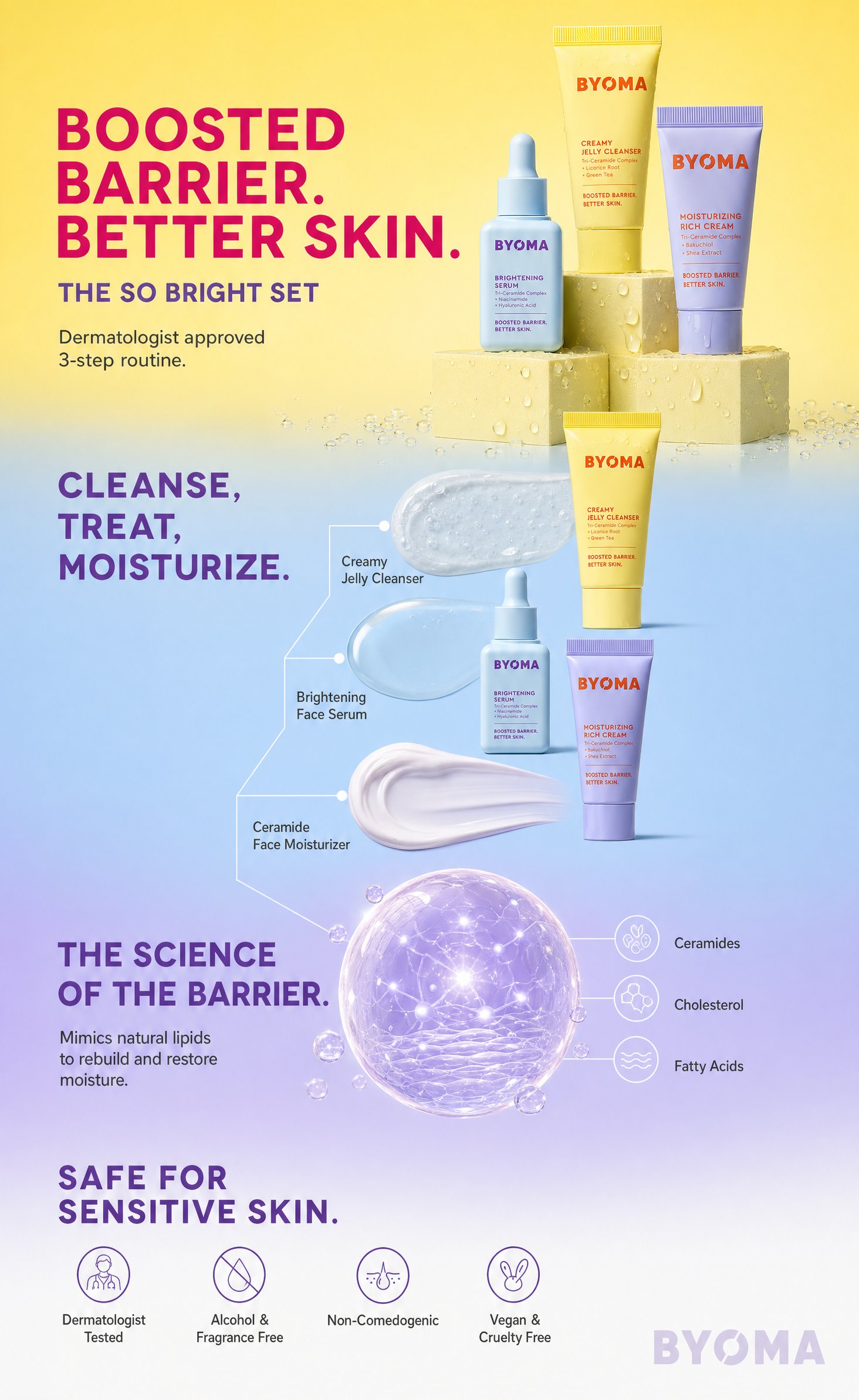
A+ is the picture section below your product details. Use it to show how your product works and answer questions shoppers still have.
Pixii makes matching designs for desktop and phone.
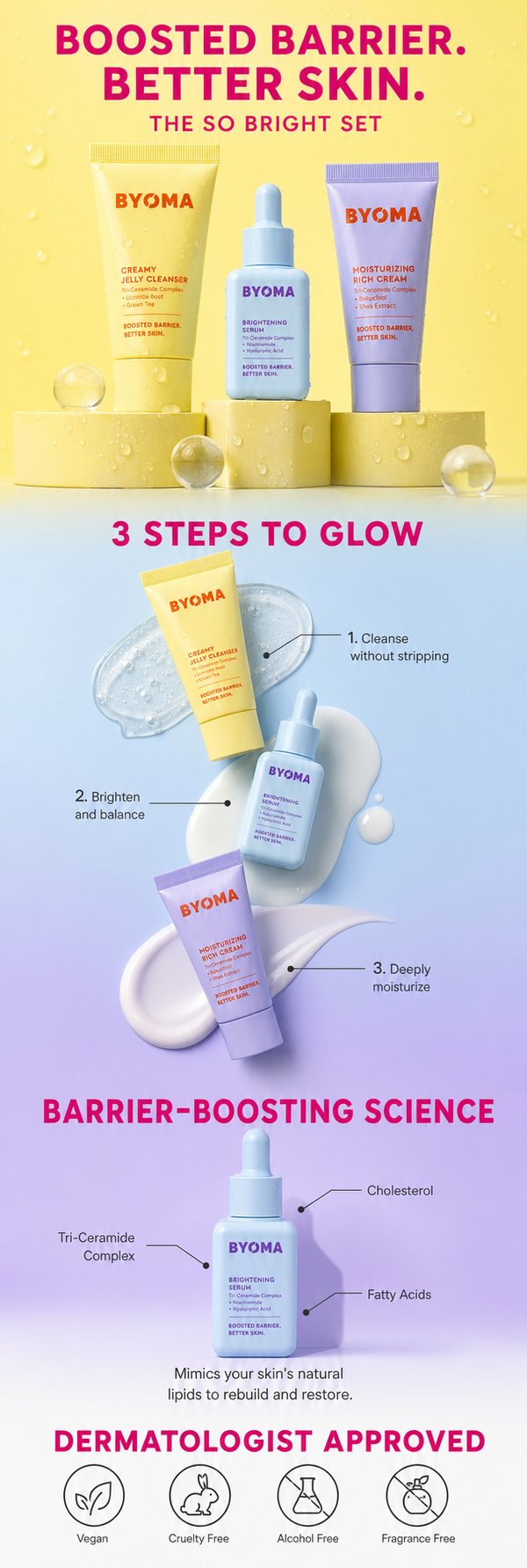
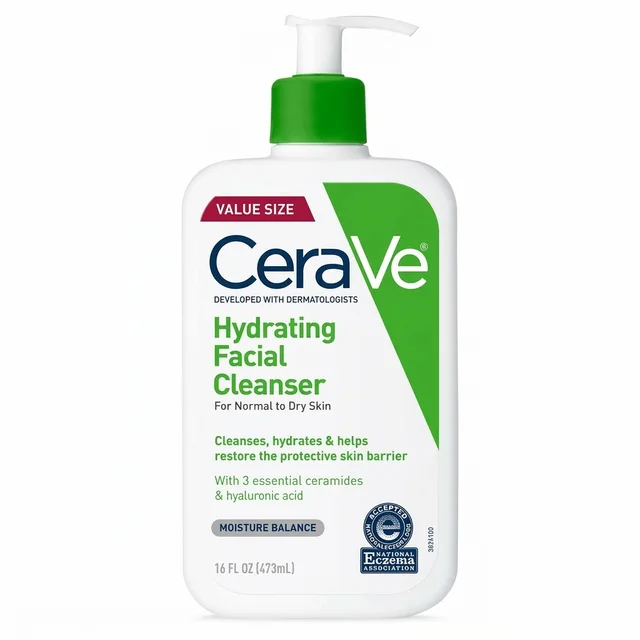
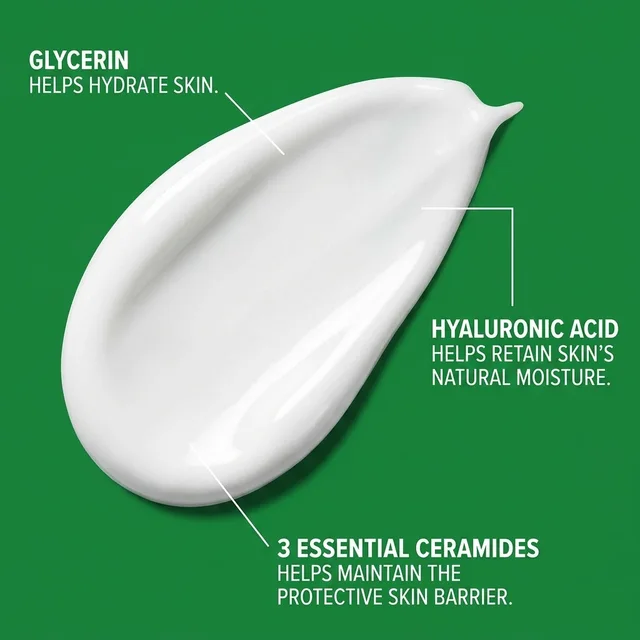
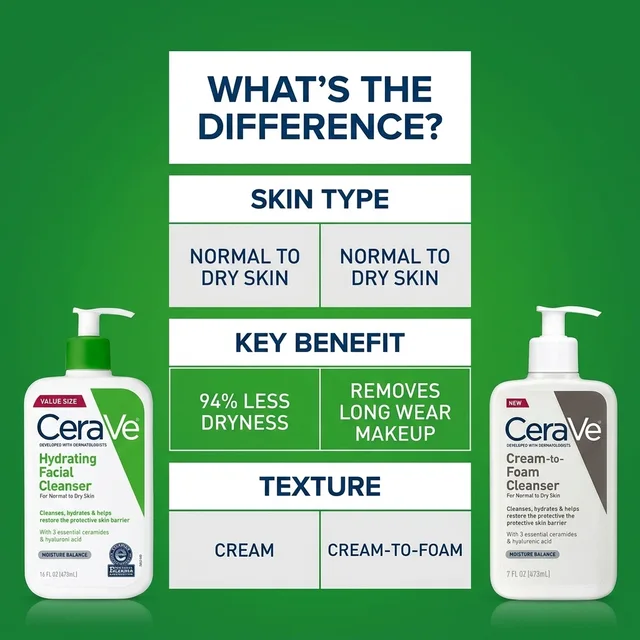
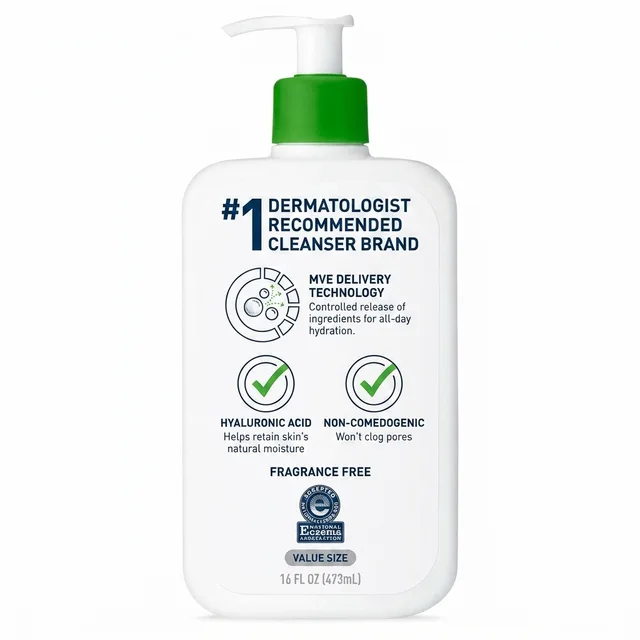
Show each step in a skincare routine.
Design examples, not brand endorsements.
 Open full size
 A+ is available on select paid plans.
Enter the code from your Amazon product page. You can also start with a photo.

Pixii creates a set of images for your product page, ready for you to review.

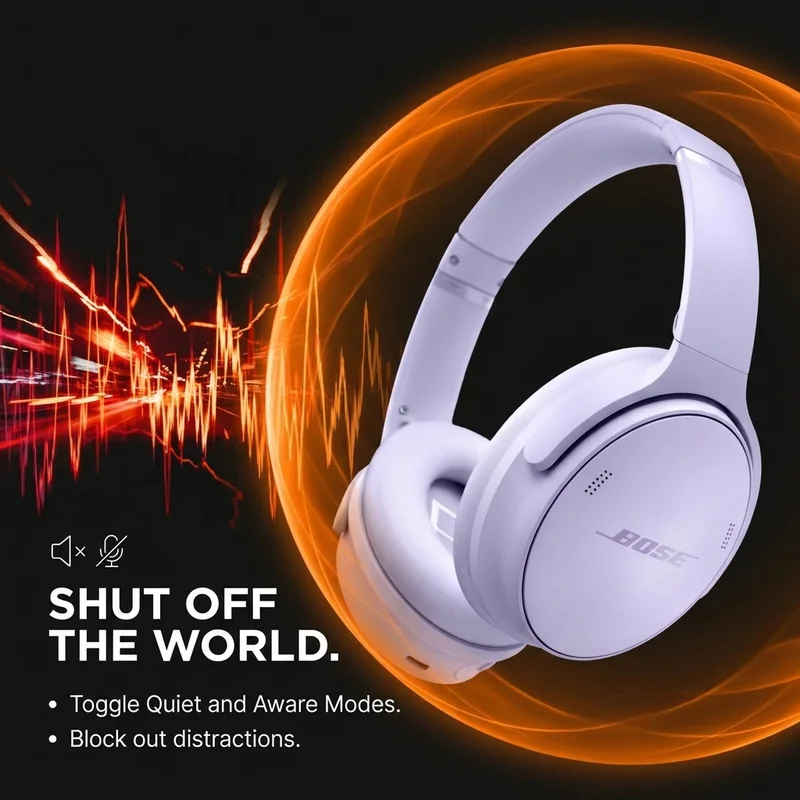
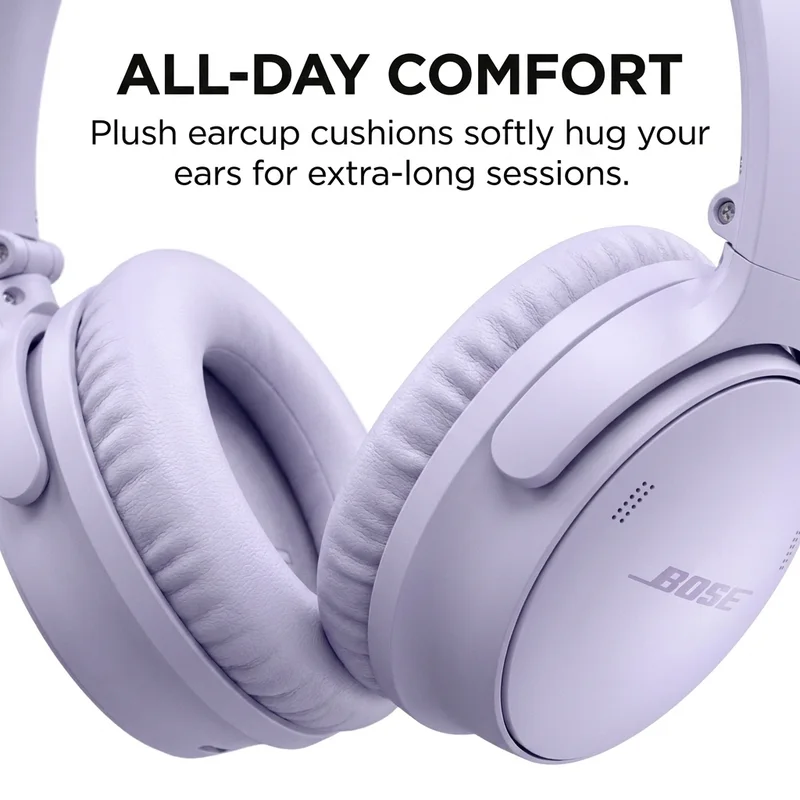
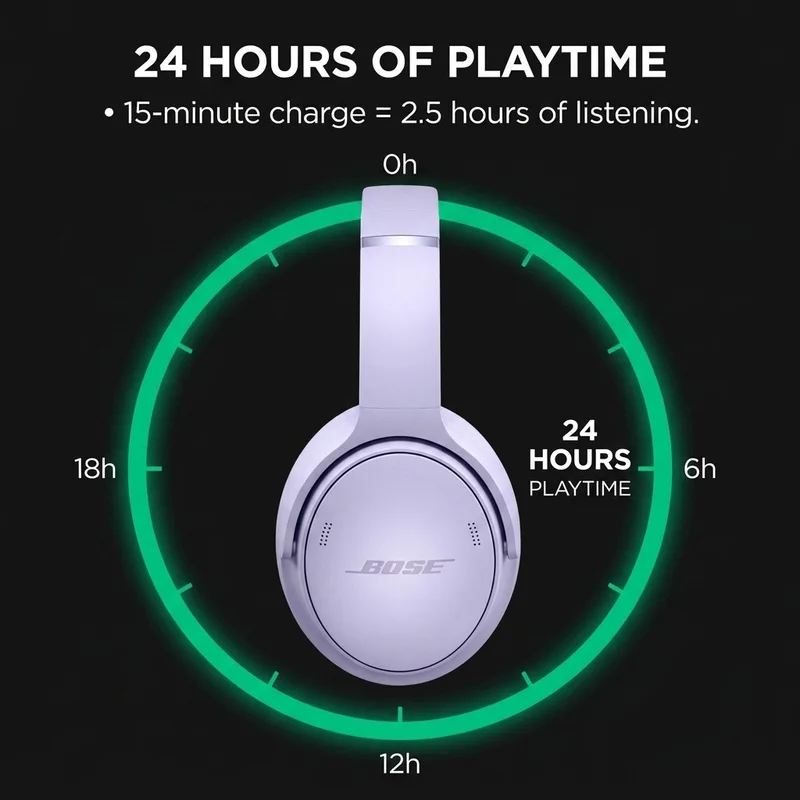
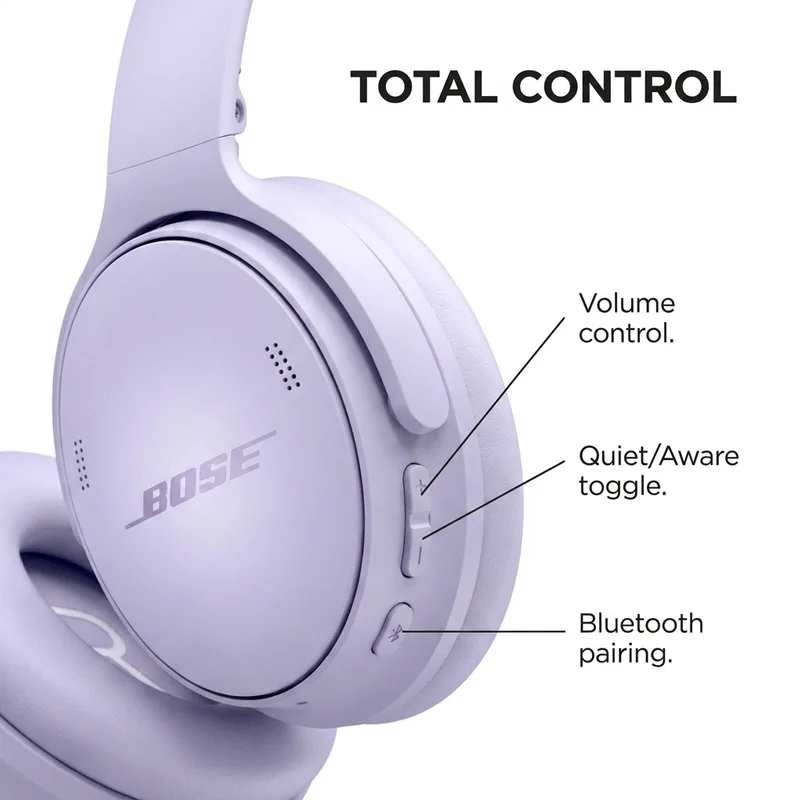
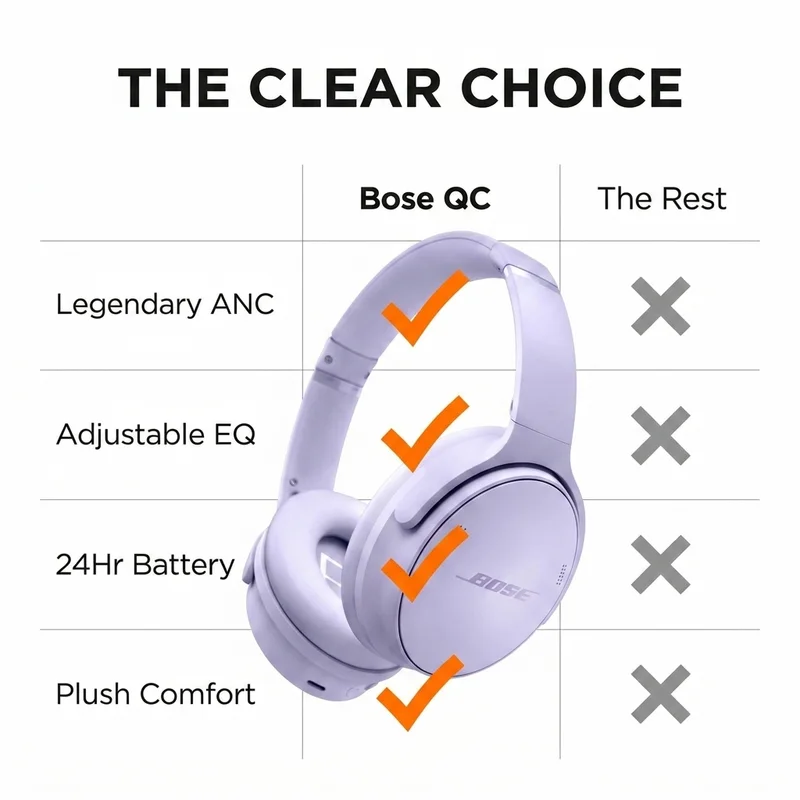
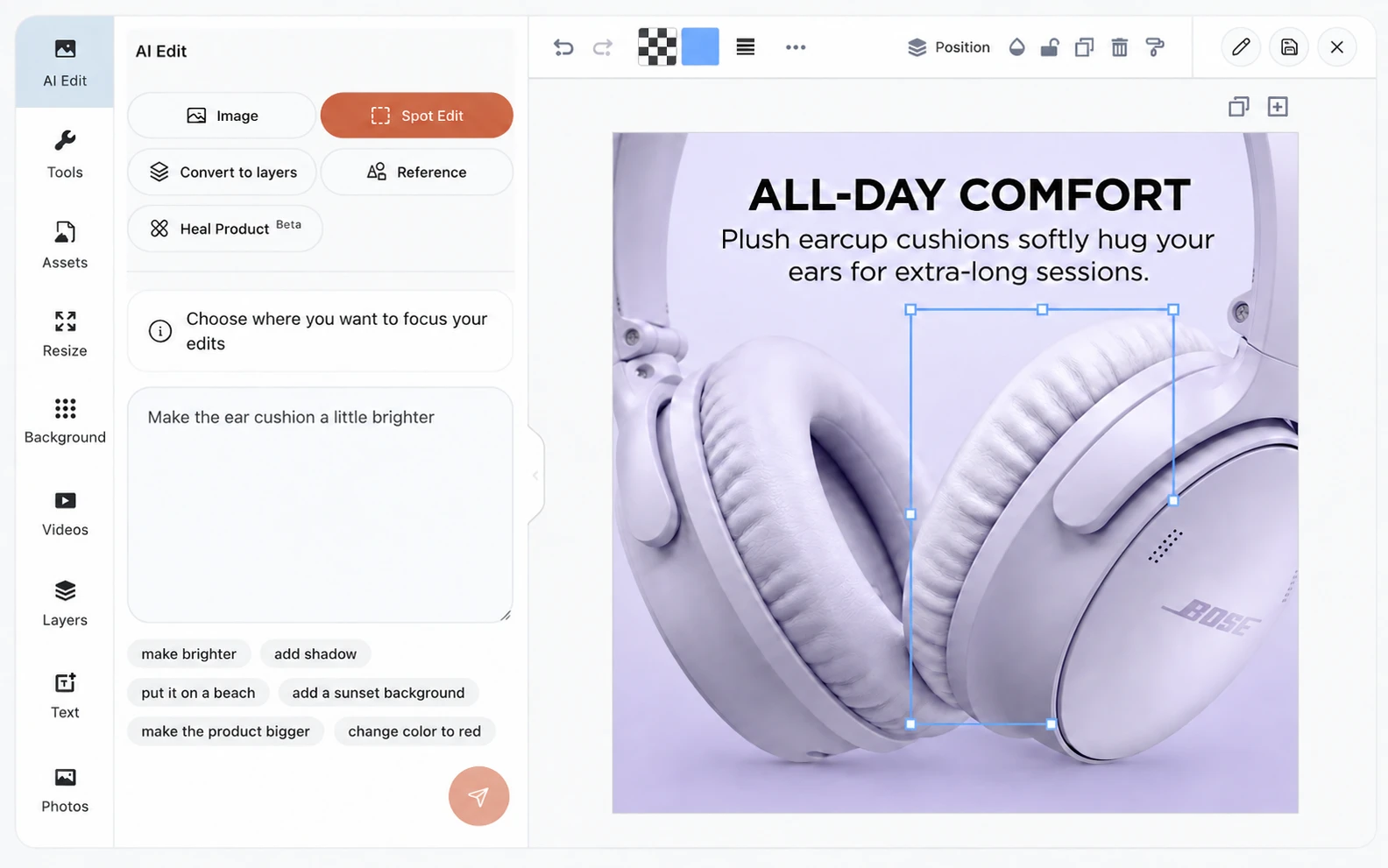
Change an image or fix a detail. Check your product information, then download your images.
“We use Pixii for brainstorming on every client project.”
Daniela BolzmannMindful Goods “Pixii gets you from zero to 85%. That's where the hours get chewed up.”
John AspinallAspi “We designed 80 listings this week. An agency would charge $240,000 for that.”
Kari ThomasSkin Perfection “We throw in Pixii designs for clients because they instantly improve TACoS, CTR, and CVR.”
 Nassuff MmadiPPCAssist
 “Without Pixii, you'd have to hire 5 or 10 people.”
 Vincenzo ToscanoEcomcy
 “Our conversion rates are up by 30%.”
 Fred FluechelWestminster Teak
 Use the left and right arrow keys to read all six testimonials.
Amazon Creative Studio
Tools for making creative for your ads.




Start with your product.
Create listing images and videos for ads.
Pixii is independent of Amazon.
It’s the 10-character code for a product on Amazon. Find it under “Product details” on your product page. You can also start with a photo.
Yes. Create a product video for ads, social posts or your product page. Choose the size for where you plan to use it, and check your ad platform’s requirements before publishing.
No. Pixii can use the photos from your Amazon listing. A clear, high-quality photo of your product gives it a better starting point.
Yes. Use the editor to change images and details. You can also work with text and layers in Pixii.
No. Pixii is an independent tool for making product visuals.
The free trial includes listing images and video credits. Selected paid plans include A+ content, the larger image and text sections below your listing. See the plans.