

New
Factory — design 50 listings in 20 minutes
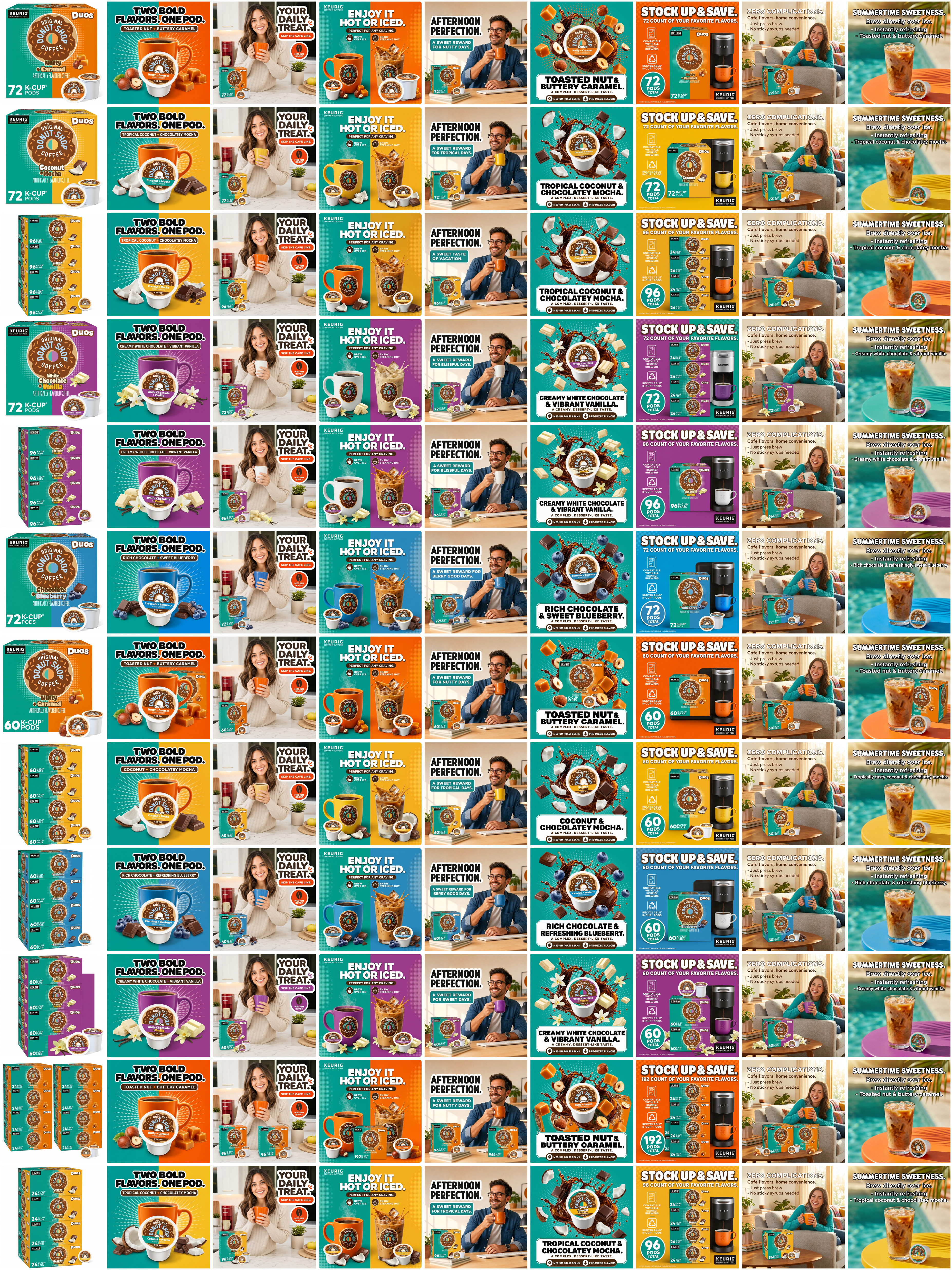
Factory is built for scale. Clone 50 variations or kick off 50 new listing builds in a single click, then come back to a finished batch. Design 50 listings in roughly 20 minutes.
The latest features, improvements, and fixes. See what we've been building.
Factory is built for scale. Clone 50 variations or kick off 50 new listing builds in a single click, then come back to a finished batch. Design 50 listings in roughly 20 minutes.
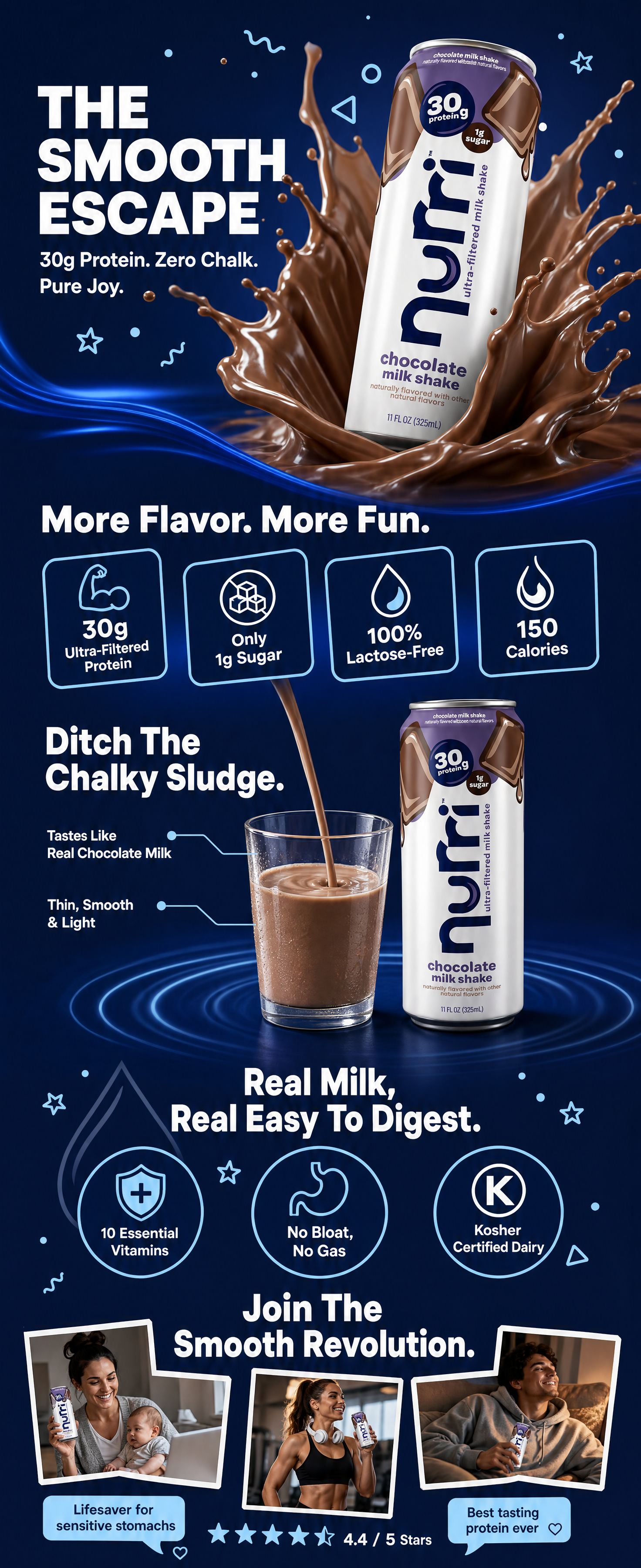
Clone is now even more powerful. You can apply your master A+ content across every variation and your entire catalog — exactly the way you already clone main and gallery images. One A+ design, your whole catalog.
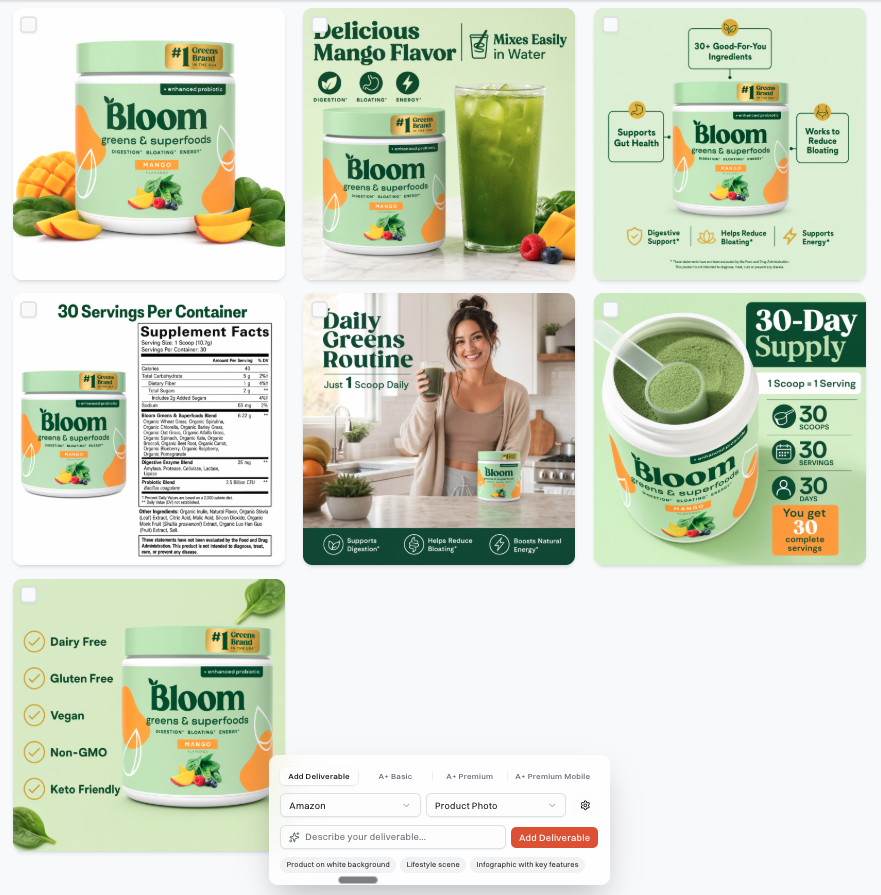
Pixii now generates visuals optimized for Walmart. Paste your ASIN, get scroll-stopping creative. Also works if you don’t have an existing listing yet!
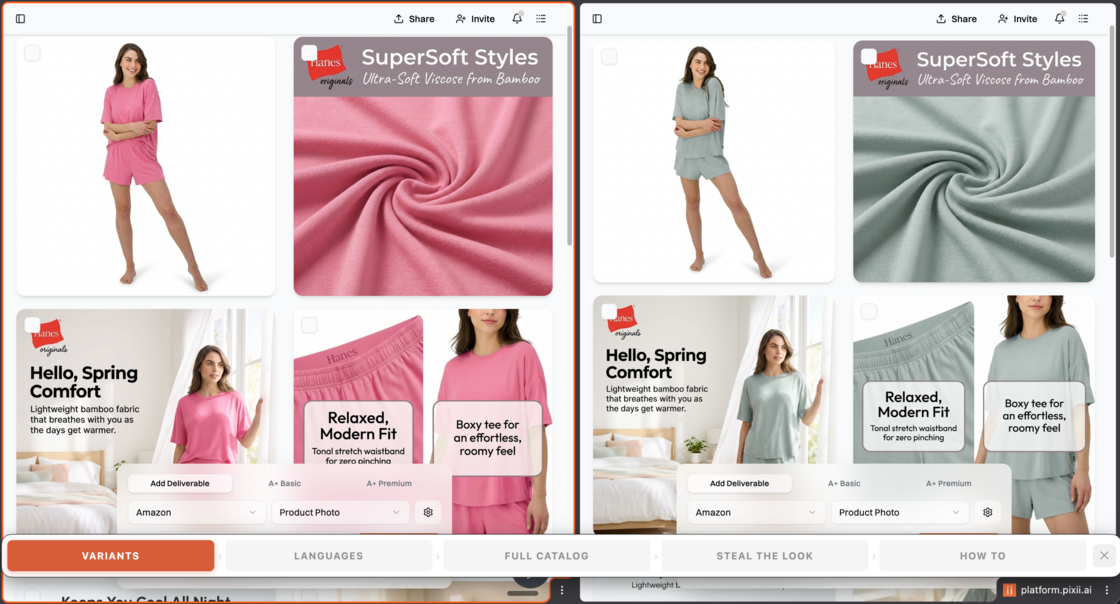
You designed one listing. Now apply that look to your entire catalog — different products, different variants, different languages. Zero prompts.
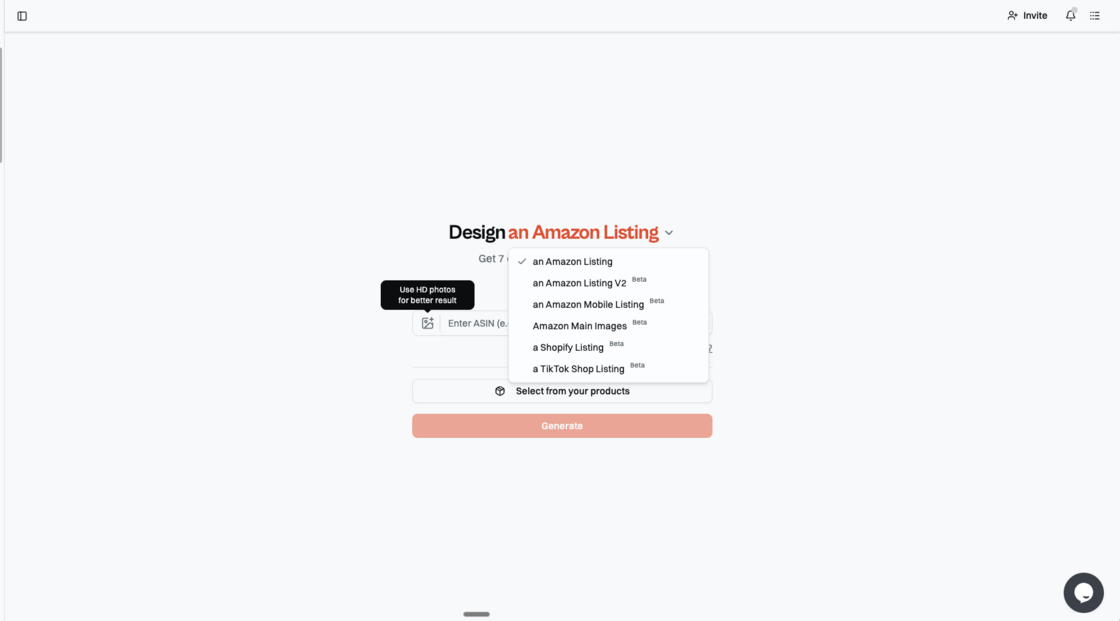
Pixii learns your brand — colors, fonts, logo, voice, language. Generated visuals then follow this profile. For now, use Amazon Listing v2/Amazon mobile in the dropdown.
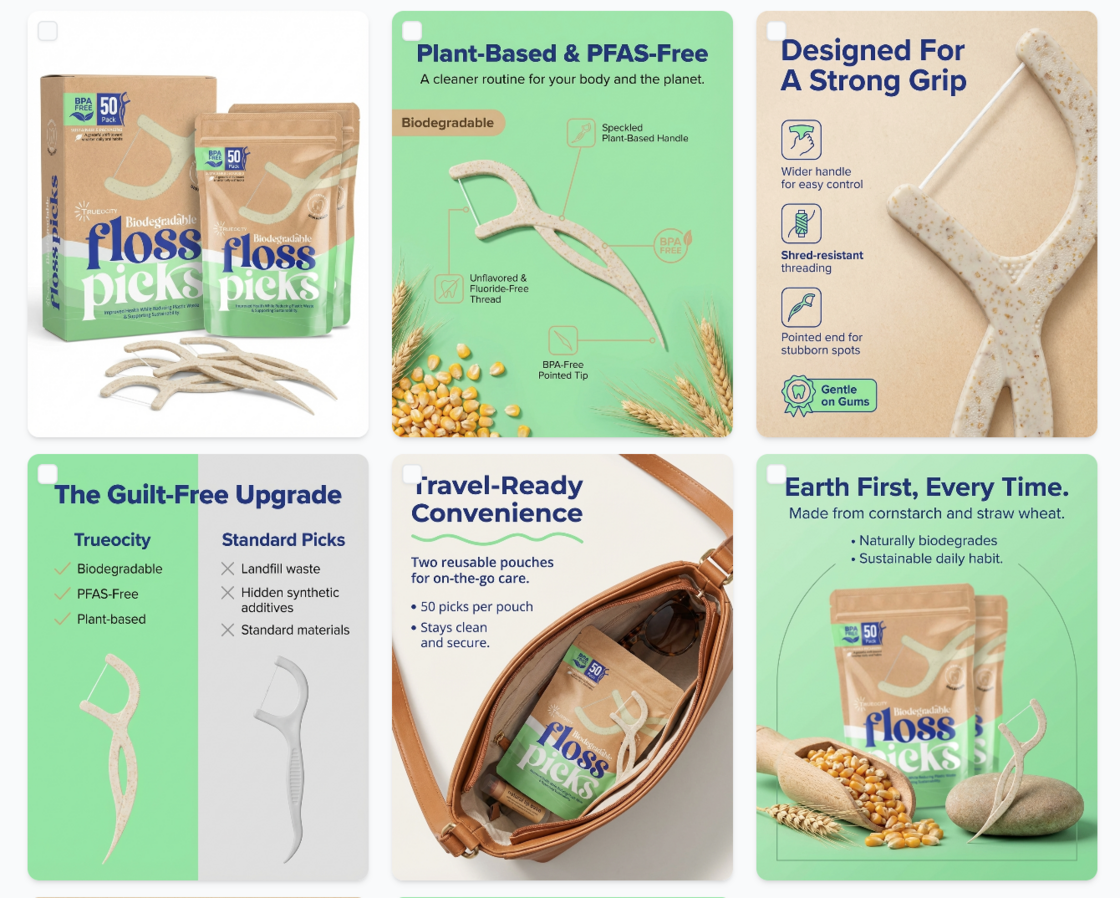
70%+ of Amazon shoppers are on their phone. Pixii now generates mobile-optimized listing images — designed for the screen your customers are actually using. 4:5 ratio. Fewer words.
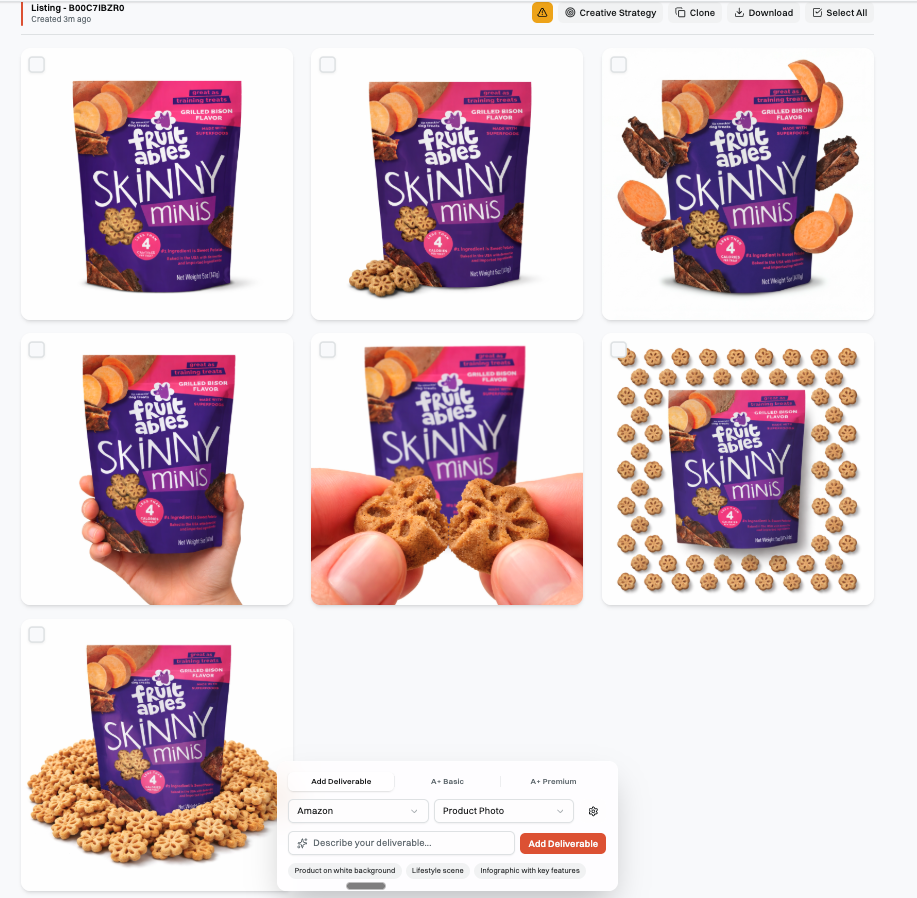
Your main image is the only thing between a scroll and a click. Pixii now generates a batch of Amazon main images, instantly. Each one has a hack to boost CTR. No photographer, no studio.
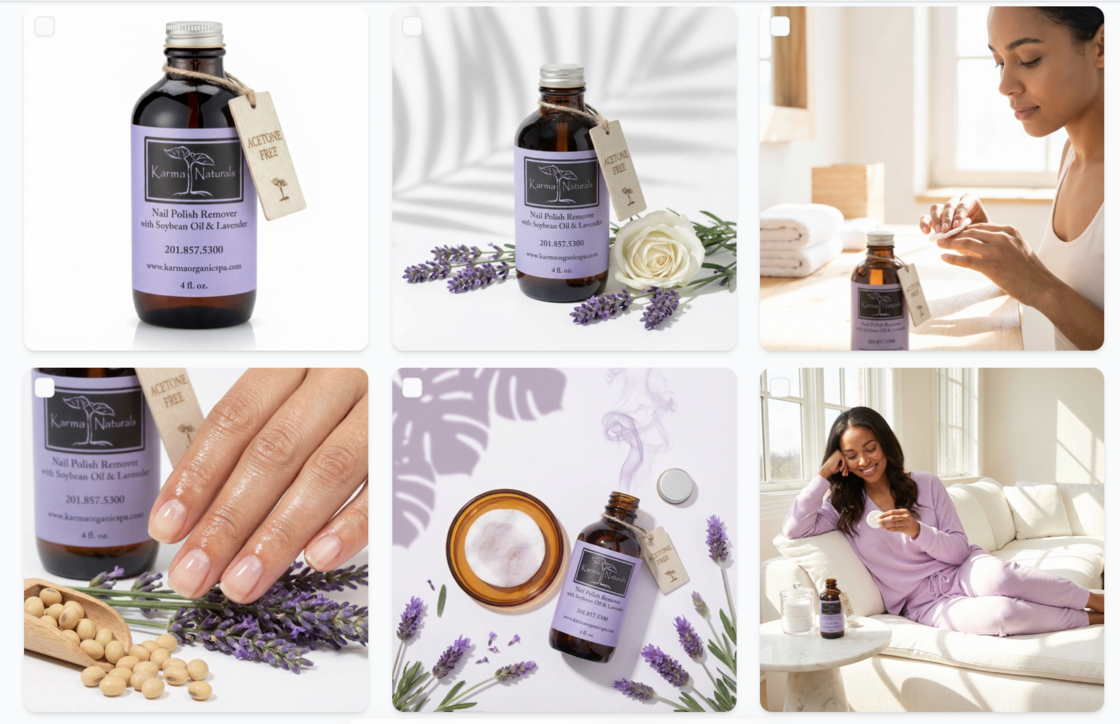
Not just Amazon anymore. Pixii now designs listing visuals optimized for Shopify storefronts. One product, every platform.
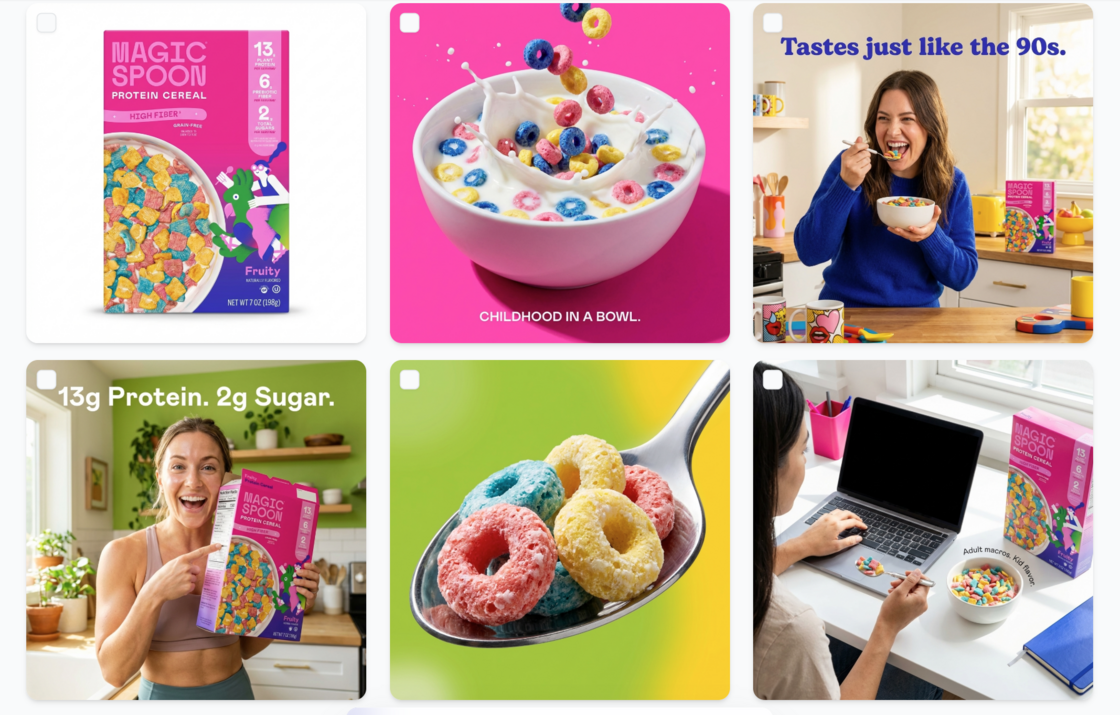
Pixii now generates visuals optimized for TikTok Shop. Paste your ASIN, get scroll-stopping creative. Also works if you don’t have an Amazon listing yet!
Paste an ASIN, get audit in 60 seconds. Pixii looks at your visuals from the point of view of a shopper. Then tells you exactly what to fix to boost revenue, today.
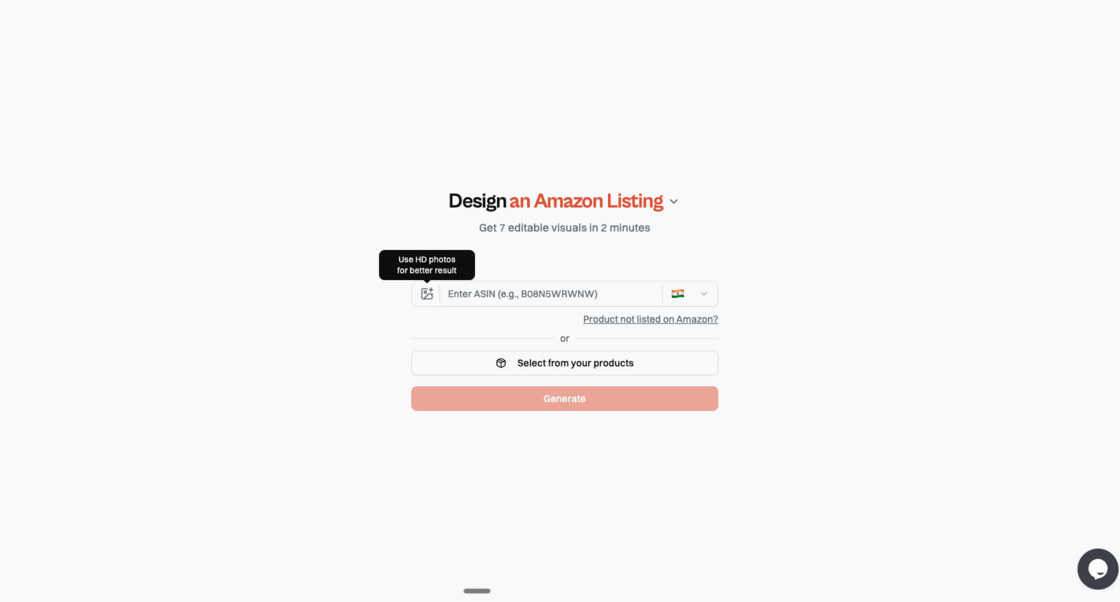
More input yields superior output. Upload up to 5 product photos to get more accurate results. Ideally you should use hi-res photos (>1MB), different angles, and lifestyle. Ideally with no text or infographics.
Quick-start videos, feature walkthroughs, and answers to top questions. We will keep adding more.

One link. Share it, your teammate joins. They get access to every brand, every session, every feature. Team onboarding in 10 seconds. You can find it on the top right corner of the platform.
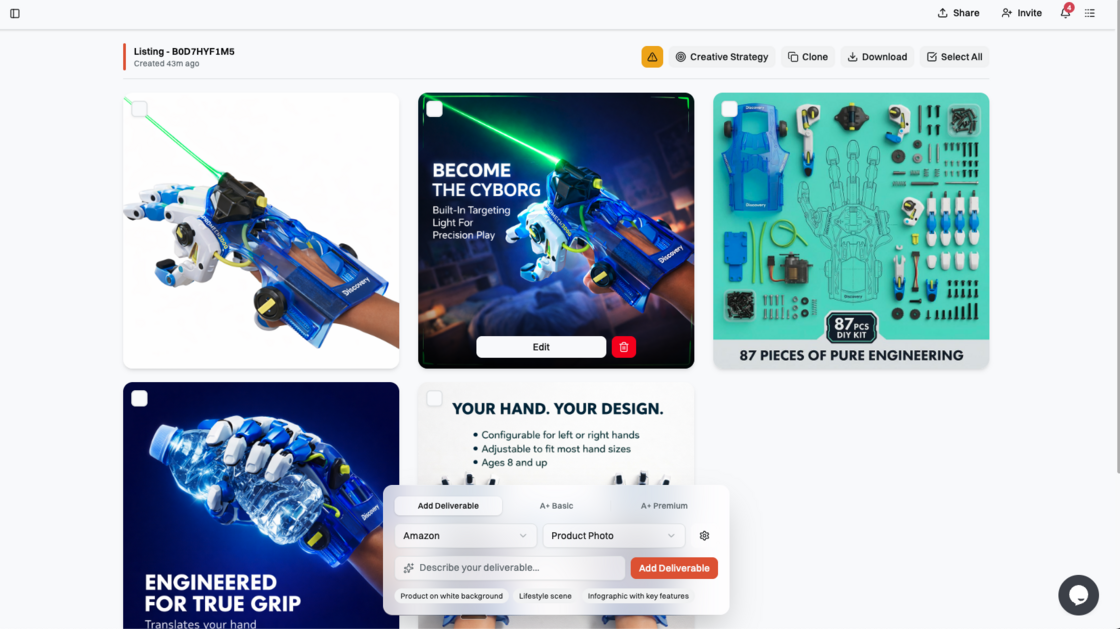
Send your listing visuals to a client, a VA, your brand manager — anyone. They see the full gallery, no account required. You look like you have a design team.
You can find it on the top right corner of the visuals page.
Every product you’ve analyzed stays in Pixii. You can now go to that product and add more photos and more details. More input -> Better output!
One place for everything behind the scenes. Your team, your brands, your invoices— all manageable without digging through menus.
Find it here - Settings
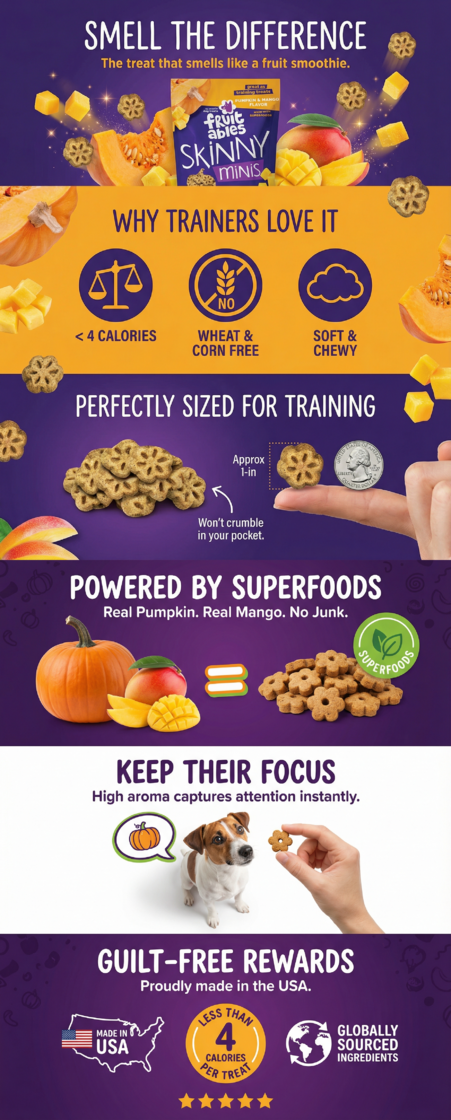
Our most requested feature — finally live.
TO USE IT: generate a listing. scroll down. Look for “Add A+”.
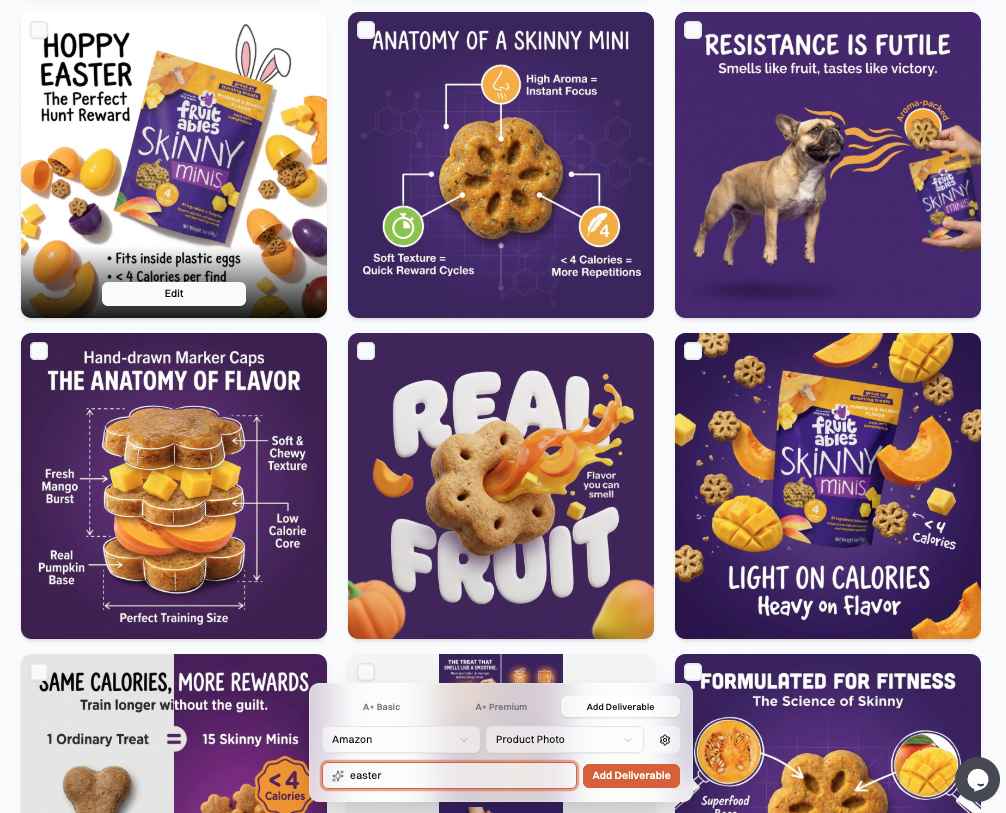
You asked for it — now you can keep generating images after your first batch of 7.
Creativity is iterative. Your first 7 visuals are the starting point, not the finish line.
Generate a full 7-image Amazon stack from a single listing link.
Drop in an Amazon URL and Pixii creates a complete set of optimized visuals in one run, including a main image, a key-benefit / top-objection image, and supporting gallery images that move shoppers from interested to ready to add to cart.
Behind the scenes, Pixii reads your listing, reviews, and competitors, then produces a strategy memo first (who the buyer is, what they care about, what to emphasize). The visuals follow that strategy so the whole stack tells one consistent story instead of seven random creatives.
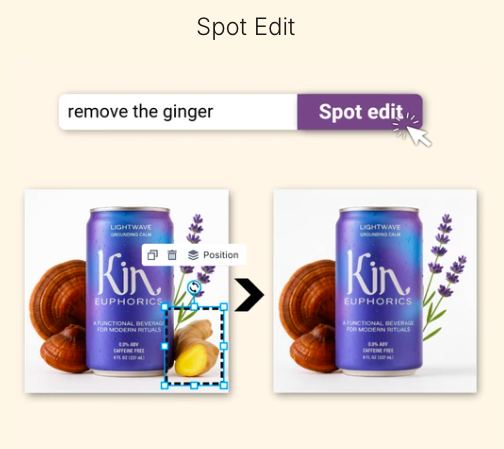
Most fixes are small, but the old workflow forces a full redo.
Spot Edit lets you change only what you point at. Select a region and update it fast, text, badge, icon, background area, callout, or a single product element, while the rest of the design stays untouched.
It is the fastest way to do common requests like “make the badge smaller,” “change this claim,” “remove that object,” or “clean up the background” without breaking the whole layout.
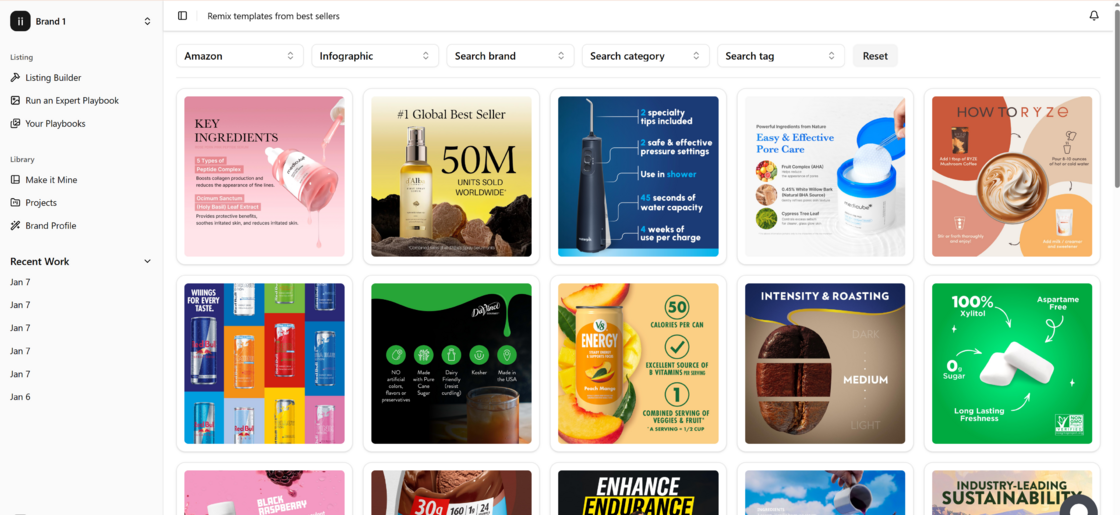
We scraped these from top 1% sellers. You can remix them for your product.
Make it Mine gives you a library of templates pulled from top sellers and movers on Amazon. Pick a template you like, choose your product (or add a new one), and Pixii rebuilds that layout using your product and your story.
It is meant for speed and direction: you start from a proven structure, then iterate from there. A lot of teams also mix categories on purpose, like taking a food layout and applying it to automotive, just to explore new angles fast.
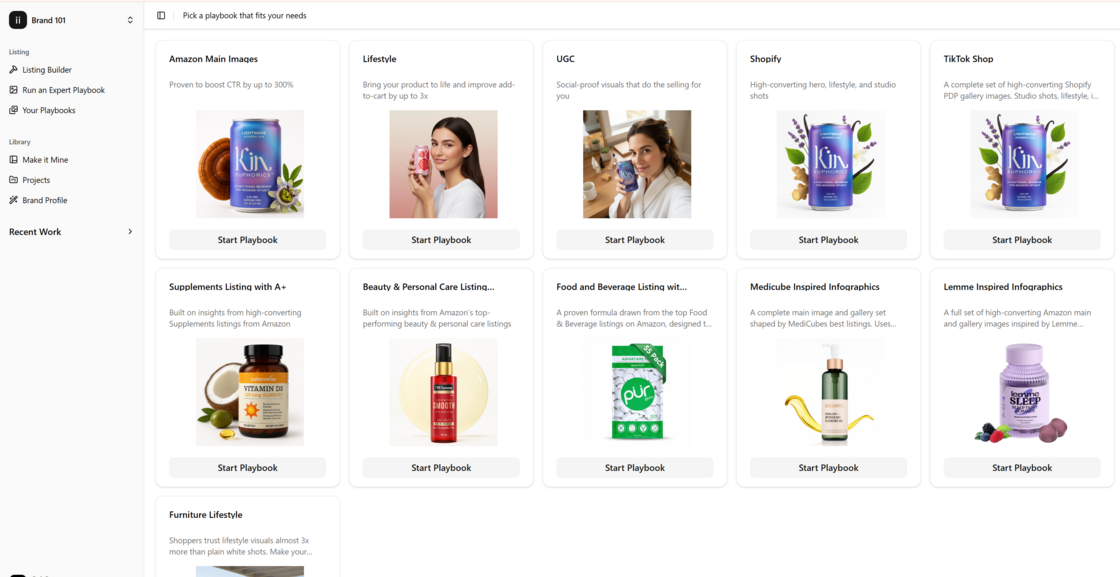
Prebuilt playbooks crafted to boost CTR and CVR.
Expert Playbooks let you generate a whole batch of optimized visuals at once, using a proven plan instead of starting from a blank page. Choose a playbook, like Amazon main images, lifestyle, in-use, or inspiration-style concepts, then run it on your product in one click.
Each playbook comes with a clear plan behind it: the templates, prompts, and settings Pixii will use to create the set. You can tweak the plan if you want, or just hit Generate and review the outputs.
When you want another round, rerun the playbook, change a few inputs (like “make each concept more dramatic” or “add a hint of the ingredient”), and Pixii updates the plan and regenerates the batch fast.
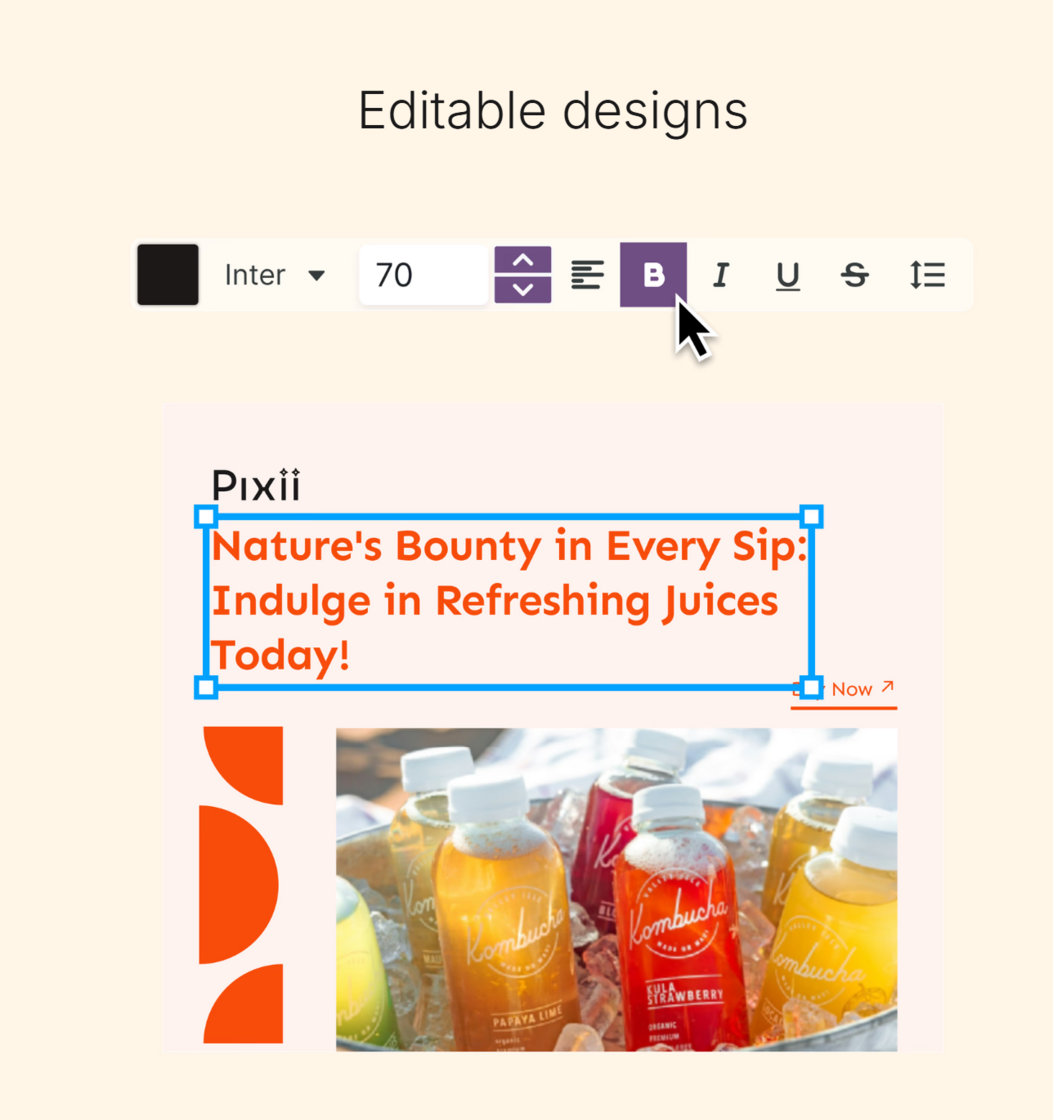
A real drag-and-drop editor for fast, clean tweaks.
After Pixii generates your visuals, open any design in the Editor to make it yours. Add or edit text, drop in your logo, swap images, and fine-tune layout without leaving Pixii.
You can also pull from the built-in stock library, then export to common formats when you are ready to publish.
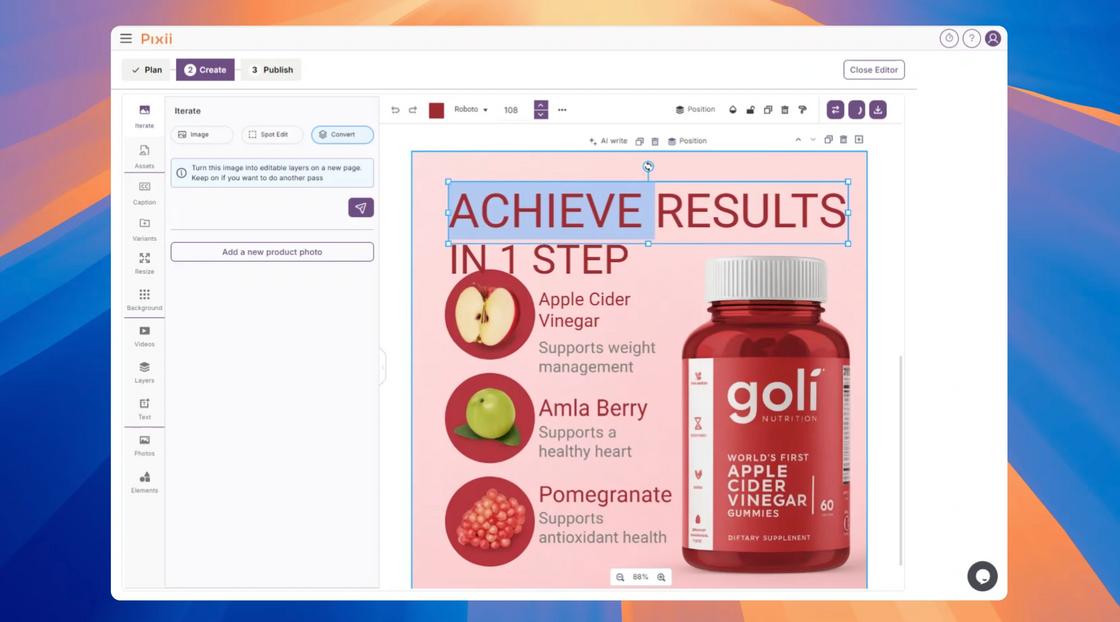
Turn a flat image into an editable design. If you have a flat image, it is usually hard to edit. You end up recreating it from scratch. Convert to Layers turns a single image into an editable Pixii design by extracting real layers, like text & shapes.
Move elements, edit copy, swap assets, and reuse the structure as a template.
Works great for turning an existing listing image, a competitor-style layout, or an old creative into something you can iterate on in minutes.
Big news today, we’re starting a public changelog so you’re always up to date with all the updates, improvements and fixes that are made in Pixii.
We’ve been building non-stop, but we haven’t been great about telling you what changed. That changes now. You’ll get notified of updates in the widget, and you can always come back to see the full list here.