This page is a factual comparison for one job: a compliant main image, a gallery that answers buyer questions, infographics, and A+ content. Canva AI is a general-purpose design tool and gives you a blank canvas to build that yourself. Pixii starts from listing requirements and returns the set.
When to use each
When to use Canva
- Social posts, stories, decks, and flyers
- Logos, one-off banners, and quick brand graphics
- Simple video edits and general marketing design
- Any project where a blank, flexible canvas is the point
When to use Pixii
- Amazon or e-commerce listings that have to convert
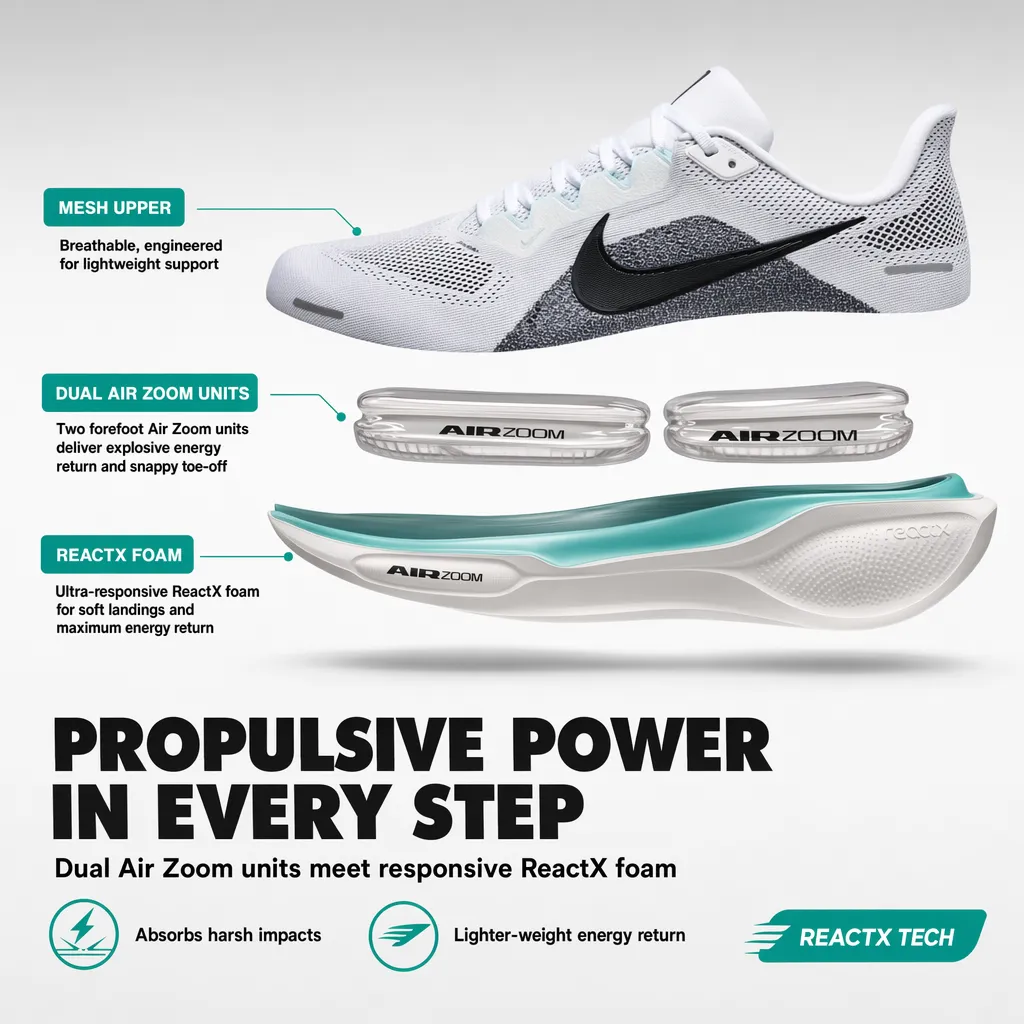
- A full 7-image gallery plus A+ content, as one set
- A catalog of listings, or variants across colors and languages
- The product page, even if you keep Canva for marketing
The two do not really compete. A team can keep Canva for marketing design and use Pixii for the product page, because they cover different ground.
Where a general tool and a listing tool differ
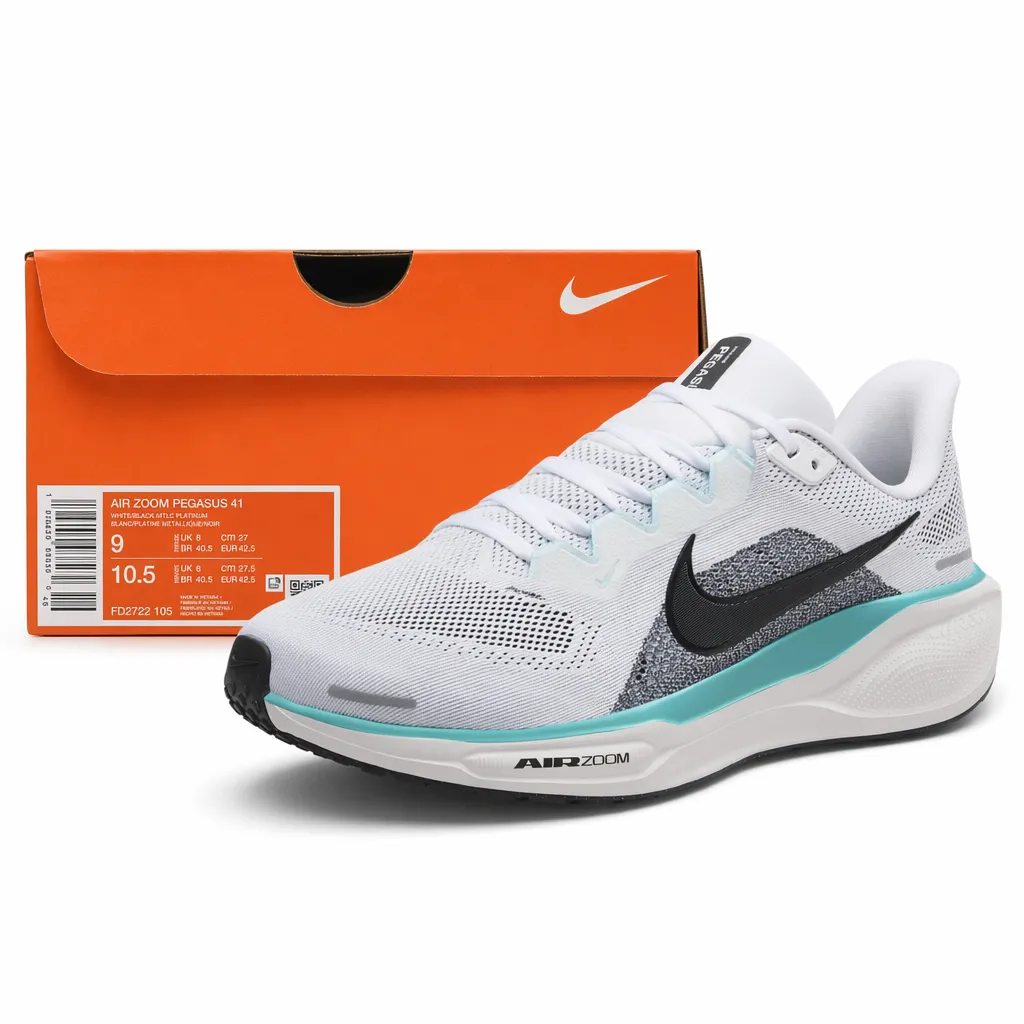
Most people searching for Canva AI want a flexible design tool, and Canva delivers that. The friction starts when a general tool meets a job with fixed rules. On an Amazon listing, the main image has to sit on pure white at RGB 255, 255, 255, the product has to fill the frame correctly, and overlays are not allowed. The gallery has to tell a story across seven slots. A+ content has its own modules and sizes. Canva can do all of that, but the rules are not built in, so compliance is on you.
Pixii works the other way around. It was trained on 100,000 top Amazon listings, so it starts from the rules instead of an empty artboard. You enter an ASIN and get a set that follows them.
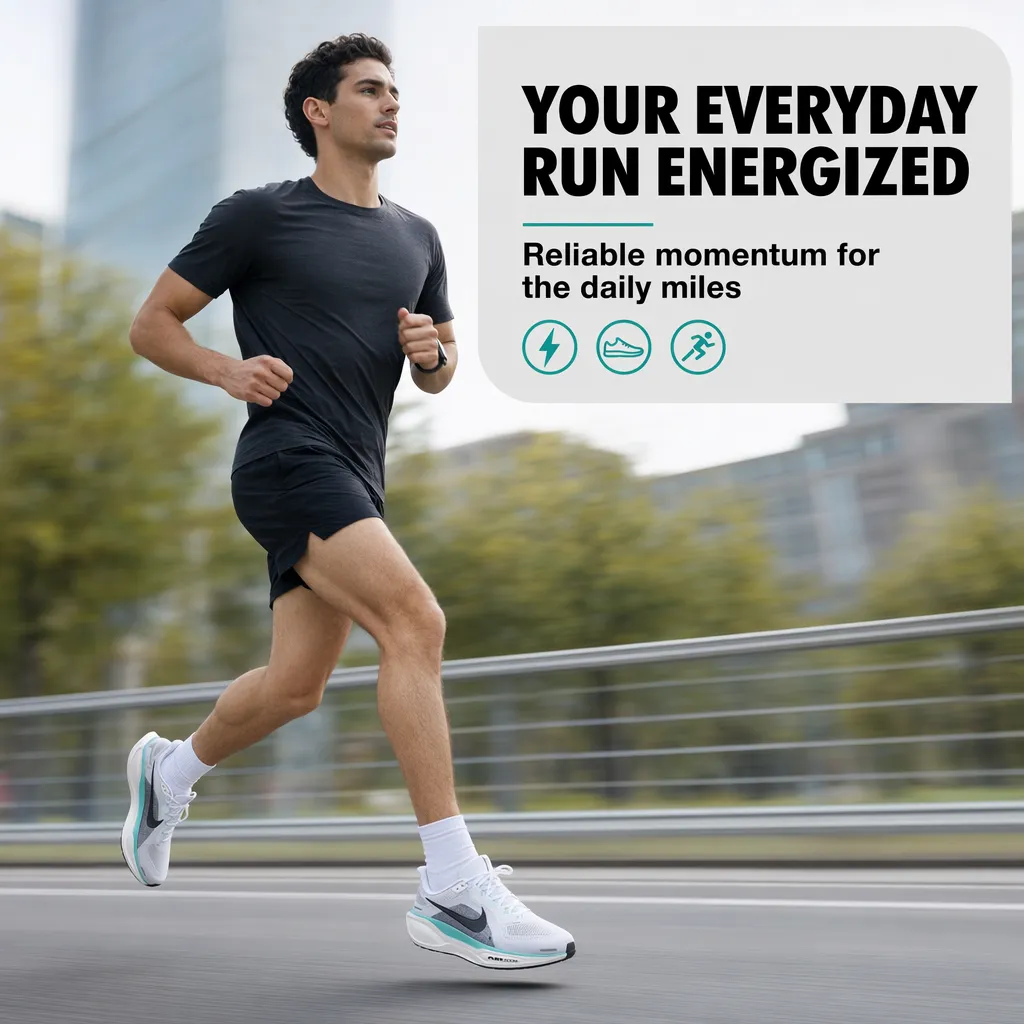
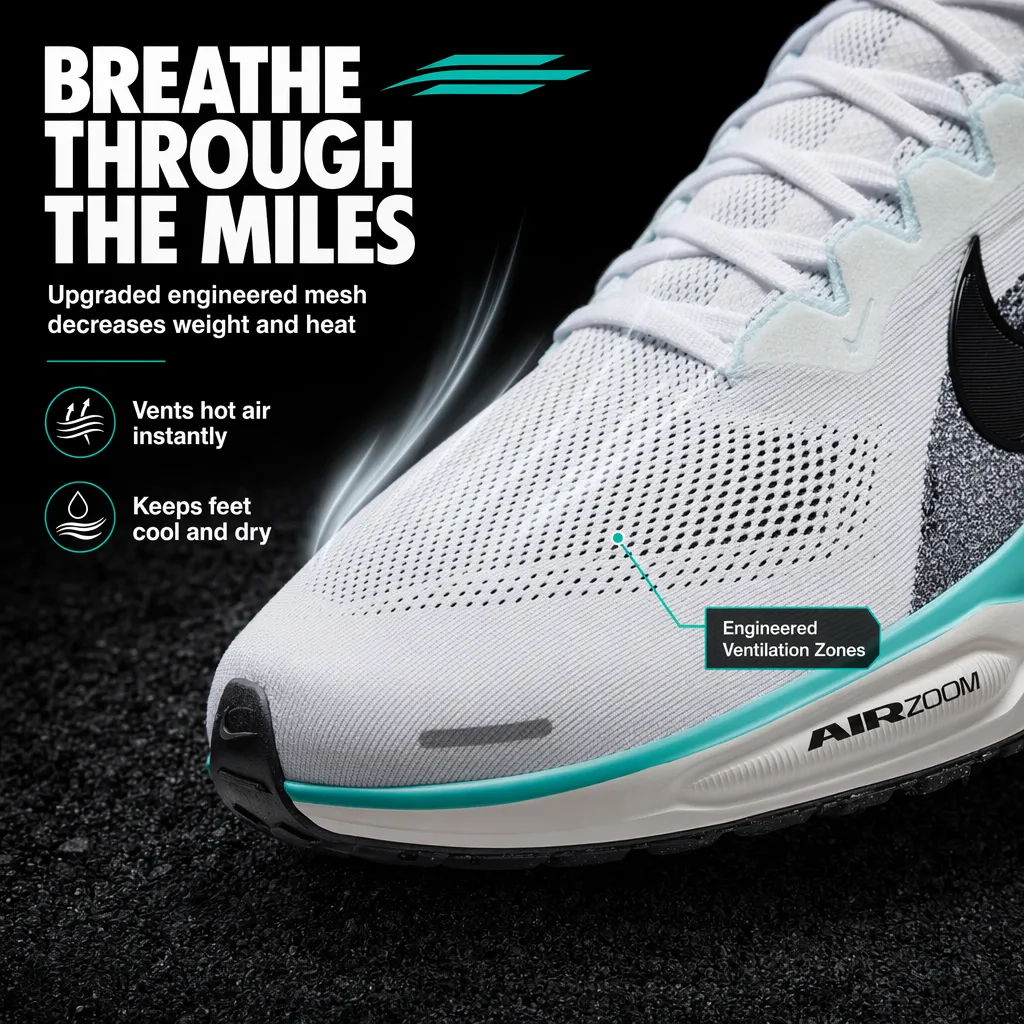
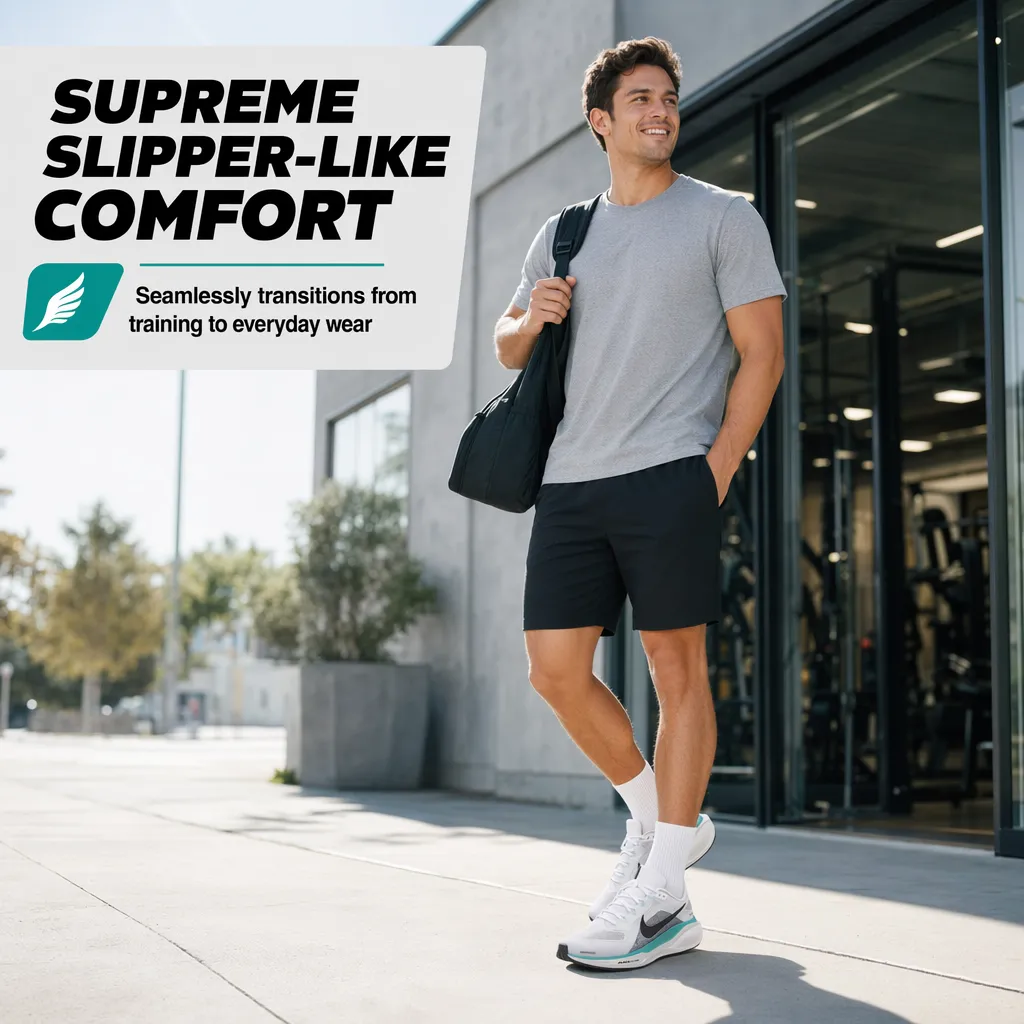
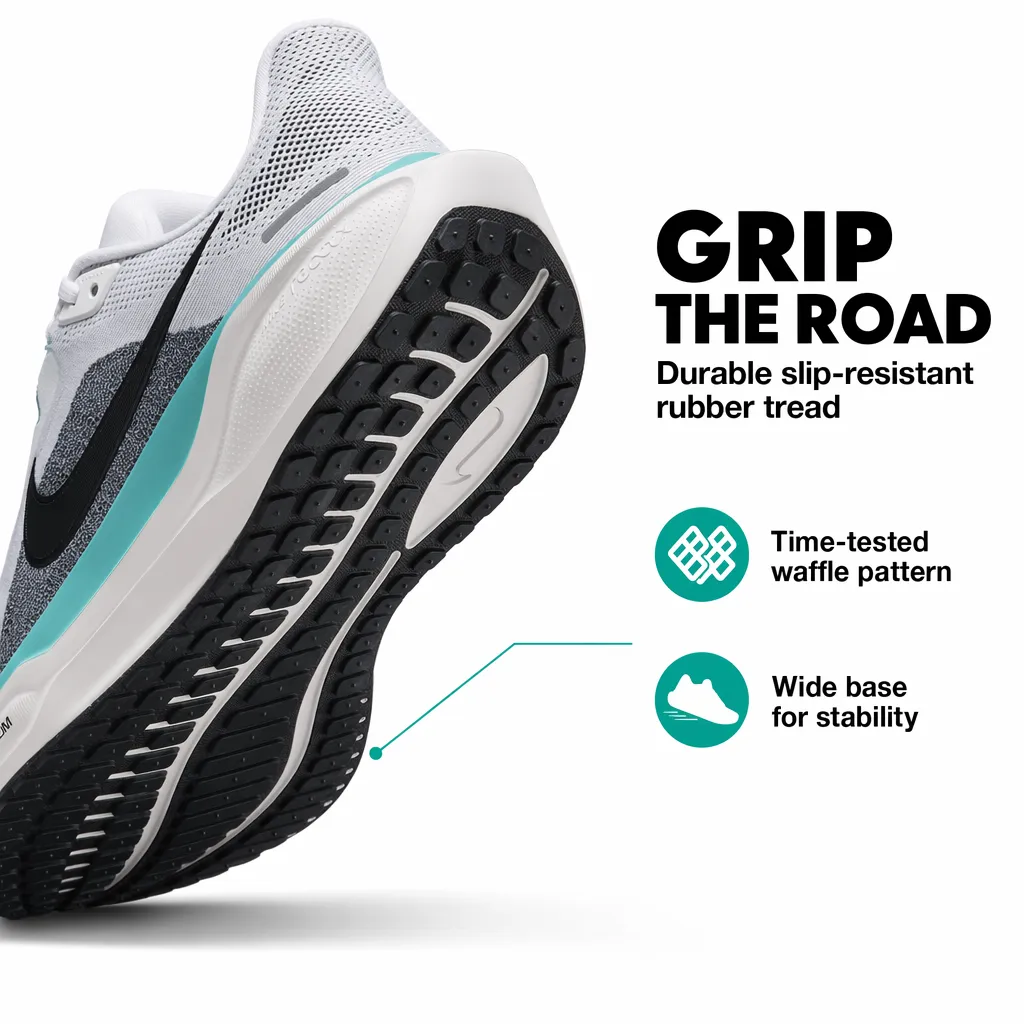
What Pixii returns from one ASIN
Pricing
What a complete listing set costs to produce
Canva's per-seat price covers the tool, not the hours of manual assembly each listing takes: every image is built by hand on a blank canvas, then repeated for the next SKU.
A design agency quoted one Pixii customer about $3,000 for a single hero, infographic, and A+ set; Canva hands you a blank canvas to build it yourself. Pixii returns a complete seven-image set for about $10. Full list pricing below.
Each tool’s own published pricing, for reference:
Pixii prices per finished listing set; Canva prices per design seat. The plans don't line up one-to-one, so here is each tool's own pricing rather than a row-by-row match.
Pixii
- $0. 300 credits, about 2 full Amazon listings, all core tools.
- Growth, $207/mo billed annually. 4,400 credits (~20 listings), A+ content.
- Scale, $624/mo billed annually. Clone, Factory, API, 10 seats.
Canva
- Free, $0. ~200 Standard AI generations/mo (20 Premium), no Ultra AI. Broad general-design tools.
- Canva Pro, ~$12/mo ($144/yr), one person. ~2,000 Standard AI generations/mo.
- Canva Teams, ~$21/mo ($250/yr per person). Enterprise is custom (100+ seats).
List pricing as of June 2026, billed annually. Canva pricing from canva.com/pricing.
Feature comparison
The table below is scoped to the listing job, not general design.
| Feature | Pixii | Canva |
|---|---|---|
| AI image generation | ||
| Editable design canvas with layers | ||
| Amazon main image compliance built in | Manual | |
| Full 7-image Amazon listing set from an ASIN | — | |
| Trained on 100,000 top Amazon listings | — | |
| A+ Content modules (desktop and mobile) | — | |
| Listing copy and creative strategy | — | |
| Catalog scale (Clone, Factory, API) | — | |
| Zero-prompt, listing-aware output | — |
How Pixii works
Enter an ASIN and Pixii returns the complete set, every piece editable. The full step-by-step is in our Amazon product photography guide.
See it on your own product. Drop an ASIN or a product photo and get a full, editable listing set in about two minutes.
What customers say
There are some AI tools out there, but none is as quick and easy to use as Pixii… If you've used Canva, it is very similar to Canva.
Instead of having one or two concepts, Pixii will give us anywhere from 10 to 20 concepts, maybe even 30, 40 or 50.
Canva stays useful for general design. An Amazon listing is a different, rule-bound job. That’s what Pixii is built for: enter an ASIN and get the full compliant set, the part Canva leaves you to assemble by hand.