

Photoroom is a product photo editor: remove a background, drop in a clean one, get white background product photos fast, export. Pixii is a listing design system: from an ASIN it produces the whole Amazon listing, a compliant main image, a gallery, infographics, and A+ content, as one editable set. If your task ends at “make this one image clean,” an editor is the right tool. If your task is the whole listing, that is a different job, and the one Pixii handles.
When to use each
When to use Photoroom
- A quick cutout or background removal
- Fast white background product photos for a single image
- Simple retouching and batch exports
- Mobile or web edits when one clean image is the deliverable
When to use Pixii
- A complete Amazon listing: main image, gallery, infographics, A+ content
- A catalog refresh kept consistent across SKUs and variants
- Tricky products (glassware, mesh, straps) where edit-first beats re-cutting
- Agency work on deadline, where predictable throughput protects margin
Where the two diverge
The split is single-image versus set. Photoroom optimizes the single image and does it well. The moment your deliverable is seven coordinated images plus A+ content, across one product or fifty, an editor makes you the assembler: cut out the product, find a gallery layout, build an infographic, build the A+ modules, then keep all of it consistent by hand.
Pixii treats the set as the unit of work. It generates the coordinated listing, then lets you make exact edits. You fix the one detail that is off with Spot Edit instead of rebuilding around it.
Compliance is a separate topic, covered in our deep dive on Pixii vs Photoroom for Amazon white background compliance. This page is the broader head-to-head.
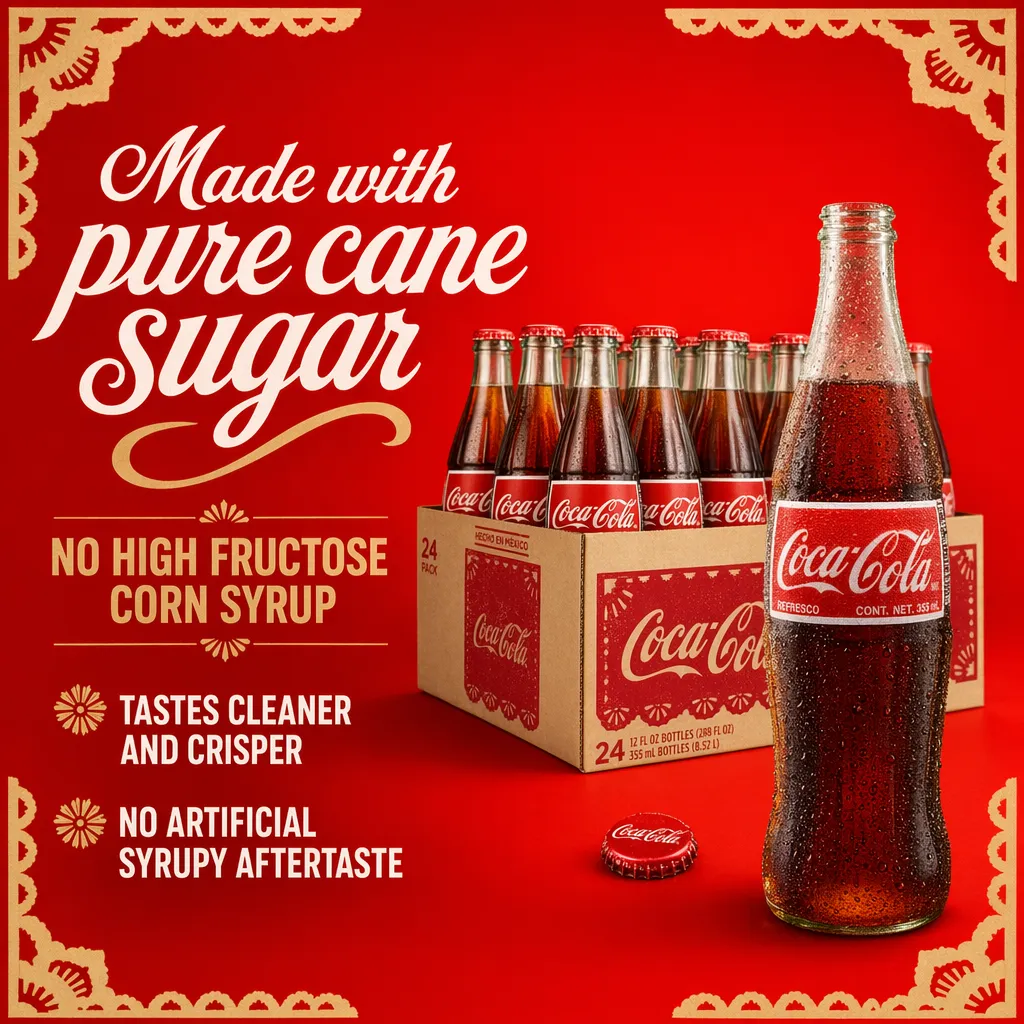
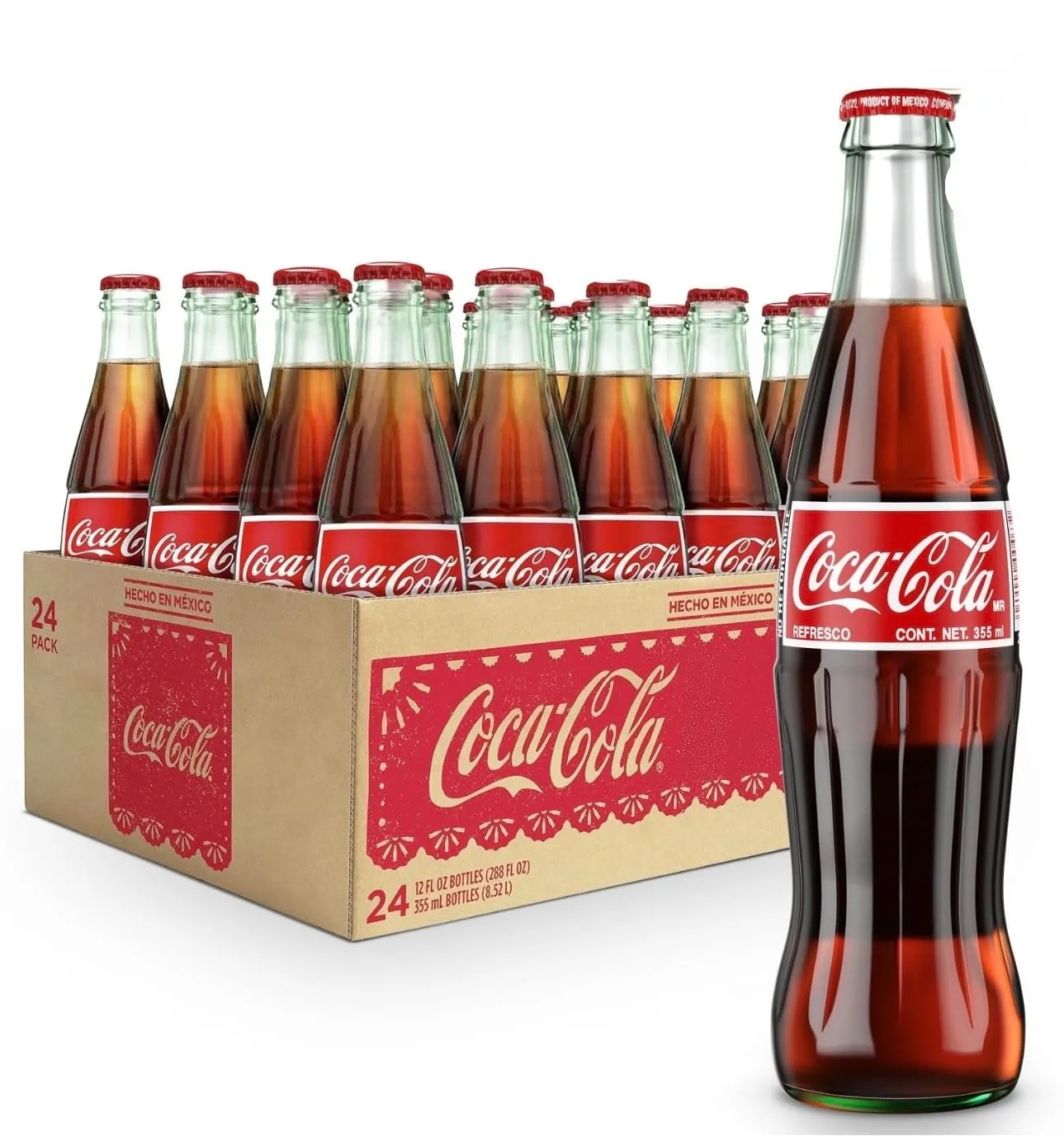
Same product, same objective
Pricing
What a complete listing set costs to produce
Photoroom's price edits one image. Assembling the other six, plus infographics and A+ content, is manual work you repeat for every SKU.
A photo shoot covers the photography alone at $200 to $1,500 per SKU; Photoroom edits a single image. Pixii returns the whole set, gallery, infographic, and A+ content included, for about $10. Full list pricing below.
Each tool’s own published pricing, for reference:
Pixii prices per finished listing set; Photoroom prices per edited image. The plans don't line up one-to-one, so here is each tool's own pricing rather than a row-by-row match.
Pixii
- $0. 300 credits, about 2 full listings, all core tools.
- Growth, $207/mo billed annually. 4,400 credits (~20 listings), A+ content.
- Scale, $624/mo billed annually. Clone, Factory, API access.
Photoroom
- Free, $0. Limited monthly AI credits; advanced AI and batch exports are capped on free.
- Photoroom Pro, $7.50/mo billed annually. 5x AI credits, 500 batch exports/mo.
- Max $20.99/mo and Ultra $82.50/mo (billed annually); API + SOC 2 on Enterprise (custom).
List pricing as of June 2026, billed annually. Photoroom pricing from photoroom.com/pricing.
Feature comparison
The table is scoped to the listing job, not single-image editing.
| Feature | Pixii | Photoroom |
|---|---|---|
| Background removal | ||
| White background product photos | ||
| AI backgrounds and scenes | ||
| Editable design layers, not flat images | Limited | |
| Catalog scale (Clone, Factory) | Batch | |
| Full 7-image Amazon listing set from an ASIN | — | |
| A+ Content modules | — | |
| Infographics with callouts and copy | — | |
| Trained on 100,000 top Amazon listings | — | |
| Listing copy and creative strategy | — |
How Pixii works
Give Pixii an ASIN or a product photo and it generates the listing, then lets you edit any piece. The full step-by-step is in our Amazon product photography guide.
See it on your own product. Drop an ASIN or a product photo and get a full, editable listing set in about two minutes.
Common mistakes when using Photoroom for Amazon
The failure modes are almost always about treating a single-image tool like a listing tool.
- Shipping a clean cutout and calling it a listing. The cutout is image one of seven. The other six are where conversion is won or lost.
- Letting “white-ish” pass. Amazon wants pure white at RGB 255, 255, 255, and near-white reads as dirty next to competitors after compression.
- Editing each SKU in isolation, then discovering the catalog looks inconsistent as a row of thumbnails in search.
- Rebuilding from scratch for small change requests instead of fixing the one thing that is wrong.
Pixii addresses these failure points: it produces the full set, checks the main image rules, keeps variants consistent, and lets you Spot Edit one detail without starting over.
What customers say
She improved some images… less than half TACoS. That would have not been possible without first improving the conversion.
Just with Pixii alone, we're probably saving about $15,000 in content creation costs a month.
Photoroom stays useful for fast single-image edits. A full Amazon listing is a bigger job. That’s what Pixii is built for: enter an ASIN and get the whole set, not just one clean cutout.