
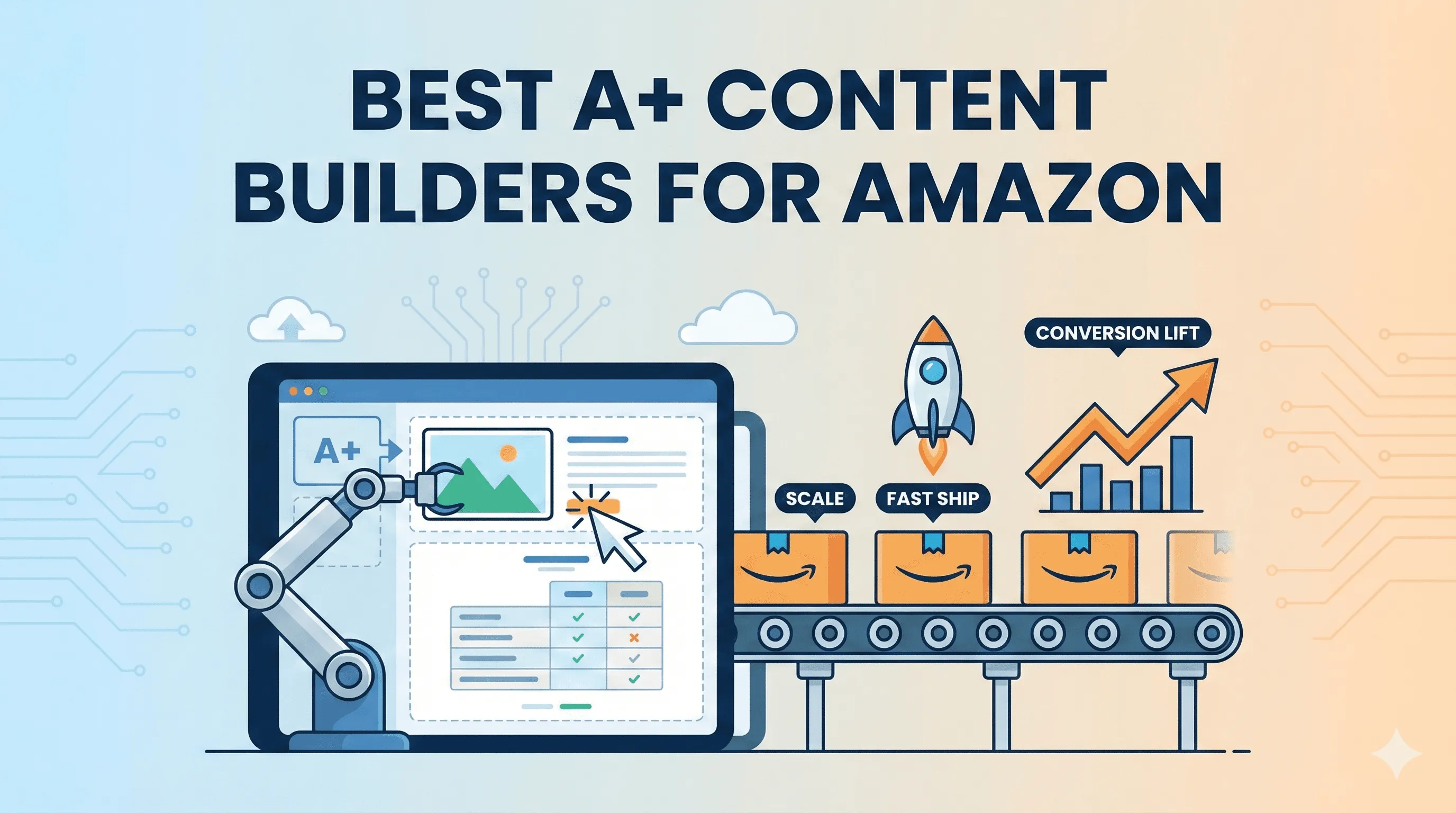
A “best A+ content builder” is the one that lets you ship clear, compliant, high-trust modules fast, keep them consistent across SKUs, and iterate without rework. In practice, winners fall into a few categories, native Amazon tools, AI plus editable templates, and general design systems that trade speed for control.
3 experts’ quick takes
- Conversion optimizer: A+ works when it reduces doubt, not when it decorates. Clear hierarchy, proof points, and mobile-first layouts lift CVR by answering objections before the buyer scrolls back to search.
- Agency operator: Throughput and approvals matter more than pixels. The best builder standardizes modules, cuts revision loops, and ships across many ASINs without bottlenecks.
- Creative director: Readability beats flair. A tight brand system, consistent spacing, and predictable modules win trust faster than one-off layouts.
| Builder type | Best for | Pros | Cons | Time to ship | Scale fit | Compliance risk | Notes |
|---|---|---|---|---|---|---|---|
| Amazon A+ Content Manager (Seller Central) | Basics | Native, compliant | Limited flexibility | Slow | Low | Low | Entry point |
| Amazon Brand Story / Store modules | Brand narrative | Cohesive story | Not per-SKU | Medium | Medium | Low | Top-of-funnel |
| Pixii (AI + editable templates) | Scale + speed | Fast, consistent | Learning curve | Fast | High | Low | Built for volume |
| General template-based design editor | Small teams | Easy templates | Brand drift | Medium | Medium | Medium | Needs rules |
| Pro layout/design tool | Pixel control | Precision | Slow, manual | Slow | Low | Medium | Designer heavy |
| Photo editor category | Image tweaks | Strong edits | Not modular | Medium | Low | Medium | Supplement only |
| Slide-based workflow category | Simple layouts | Familiar | Weak hierarchy | Medium | Medium | Medium | Limited control |
| DAM + template system category | Large catalogs | Asset reuse | Setup time | Medium | High | Low | Ops focused |
| CMS approval workflow category | Agencies | Roles, approvals | Design limits | Medium | High | Low | Process first |
| Generic AI one-off generator category | Drafts | Very fast | Inconsistent | Fast | Low | Medium | Needs curation |
Key takeaways
- Speed plus consistency beats one-off design for A+.
- Modular templates reduce rejections and rework.
- Mobile readability and hierarchy drive CVR.
- Cost is about time per ASIN over months, not a single build.
- Scale requires approvals, versioning, and brand memory.
Quick picks by team type
Best for solo sellers
Native Amazon A+ tools if you need zero setup, or AI plus editable templates if you want faster refreshes without learning a complex editor.
Best for brands with 10+ SKUs
AI plus editable templates or a DAM plus templates. You get repeatable modules and faster rollouts across the catalog.
Best for agencies managing many clients
A system with approvals, roles, and reusable templates. Throughput and consistency matter more than bespoke layouts.
Best for pixel-perfect control
Pro layout tools. Expect slower shipping and more manual checks.
Best for speed-to-refresh
Pixii or a generic one-off AI generator for drafts, then lock into a template system for consistency.
What A+ is actually for (and what it is not)
A+ exists to increase conversion by clarifying value, building trust, and reducing objections after the click. Strong modules explain benefits, show use cases, and answer questions buyers already have. A+ is not a billboard or a brand mood board. Mobile readability and consistent hierarchy across modules matter more than visual novelty.
Amazon constraints you cannot ignore
Eligibility for A+ depends on Brand Registry enrollment, and access is managed inside Seller Central (https://sellercentral.amazon.com/help/hub/reference/external/G202131170). Content must follow Amazon’s A+ policies around claims, images, and formatting, and submissions are reviewed, which makes consistency and reusability important to avoid rejections (https://sellercentral.amazon.com/help/hub/reference/external/G202131170).
A simple “how to choose” framework
- Modular templates: Can you reuse sections without rebuilding?
- Speed of iteration: How fast can you revise and resubmit?
- Approvals: Are roles, comments, and versioning built in?
- Brand consistency: Does the system remember fonts, colors, and layout rules?
- Asset management: Can teams find and reuse images and icons?
- Cost per ASIN over time: Will this scale without adding headcount?
Step-by-step: workflow to ship A+ faster this week
- Audit gaps: Identify missing modules and unclear value props. Check mobile readability. Failure mode: Decorating instead of clarifying.
- Pick a base system: Choose native tools for speed, or templates for scale. Failure mode: Mixing tools without standards.
- Define a module kit: Benefits, use cases, proof, specs. Lock spacing and type. Failure mode: One-off layouts that drift.
- Draft fast: Generate or assemble modules quickly. Failure mode: Over-polishing early.
- Review for trust: Claims, legibility, and alignment with the listing. Failure mode: Unsupported claims.
- Submit and iterate: Use feedback to update the template, not just the page. Failure mode: Fixing symptoms instead of the system.
When Pixii wins (concrete and testable)
- You manage many ASINs and need the same A+ structure everywhere.
- You want fast refreshes without re-prompting or rebuilding.
- Agencies need approvals, fewer revision loops, and predictable output.
- You want AI speed plus an editor to finish to 100% and keep brand rules. Learn more at https://pixii.ai/, see plans at https://pixii.ai/pricing, or audit a listing at https://amazon-listing-grader.pixii.ai/.
Common mistakes in A+ that hurt conversion
- Dense text blocks that fail on mobile.
- Inconsistent spacing and typography across modules.
- Feature lists without benefits or proof.
- Over-designed graphics that hide the message.
- One-off pages that cannot be reused.
FAQ
Do I need A+ for every SKU? High-traffic SKUs benefit most. Templates make it practical to cover the catalog.
Is native Amazon A+ enough? It is fine for basics. Scale and speed usually require templates or AI assistance.
Does A+ replace images in the gallery? No. Gallery images win the click, A+ helps close the sale.
How long does approval take? Varies. Consistent, compliant templates reduce back-and-forth.
Can agencies standardize across clients? Yes, with systems that support roles, approvals, and reusable modules.
Is AI safe for A+ claims? Use AI for drafts, then review claims carefully to avoid rejections.