

Most sellers think Amazon listing optimization means rewriting the title and adding keywords. That is about a fifth of the job. Amazon is a search engine and a storefront at once: the title and keywords win the impression, while the images and A+ content win the click and the purchase. If the words rank but the visuals are weak, the traffic bounces.
This guide walks the whole visual stack: the image requirements you cannot break, the gallery of Amazon listing images that drives conversion, the infographics that answer objections, and the A+ content that lifts conversion. Then what it costs to produce and the options for shipping it.
Amazon image requirements
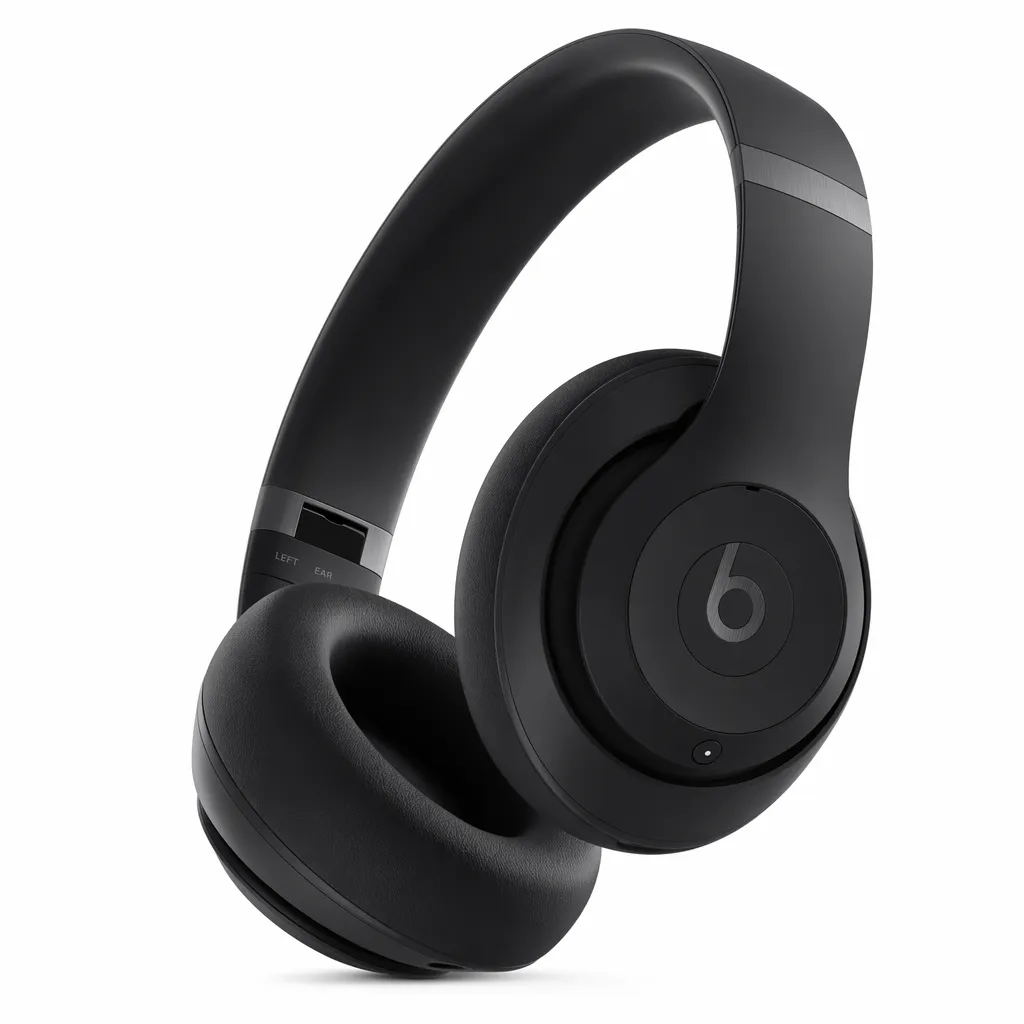
Start here, because getting these wrong leads to suppressed listings. The main image is the strict one. Amazon image requirements for the main image: a pure white background at RGB 255, 255, 255, the product filling about 85% of the frame, no text, logos, borders, watermarks, or props, the full product visible with nothing cropped off, and a resolution of at least 1,600 px on the longest side so zoom works. Supporting images and A+ modules are looser; you can add text, lifestyle scenes, and graphics there.
The trap is “white-ish.” Near-white reads as dirty next to competitors and can get flagged after Amazon’s compression. The other trap is treating a supporting-image style as a main image. We cover the main image in depth in the main image guide, and the full rule set in the image requirements material linked below.
The gallery of Amazon listing images
Amazon gives up to seven gallery slots and you should use every one. Each Amazon listing image has a job:
- Main image, compliant on white, the click.
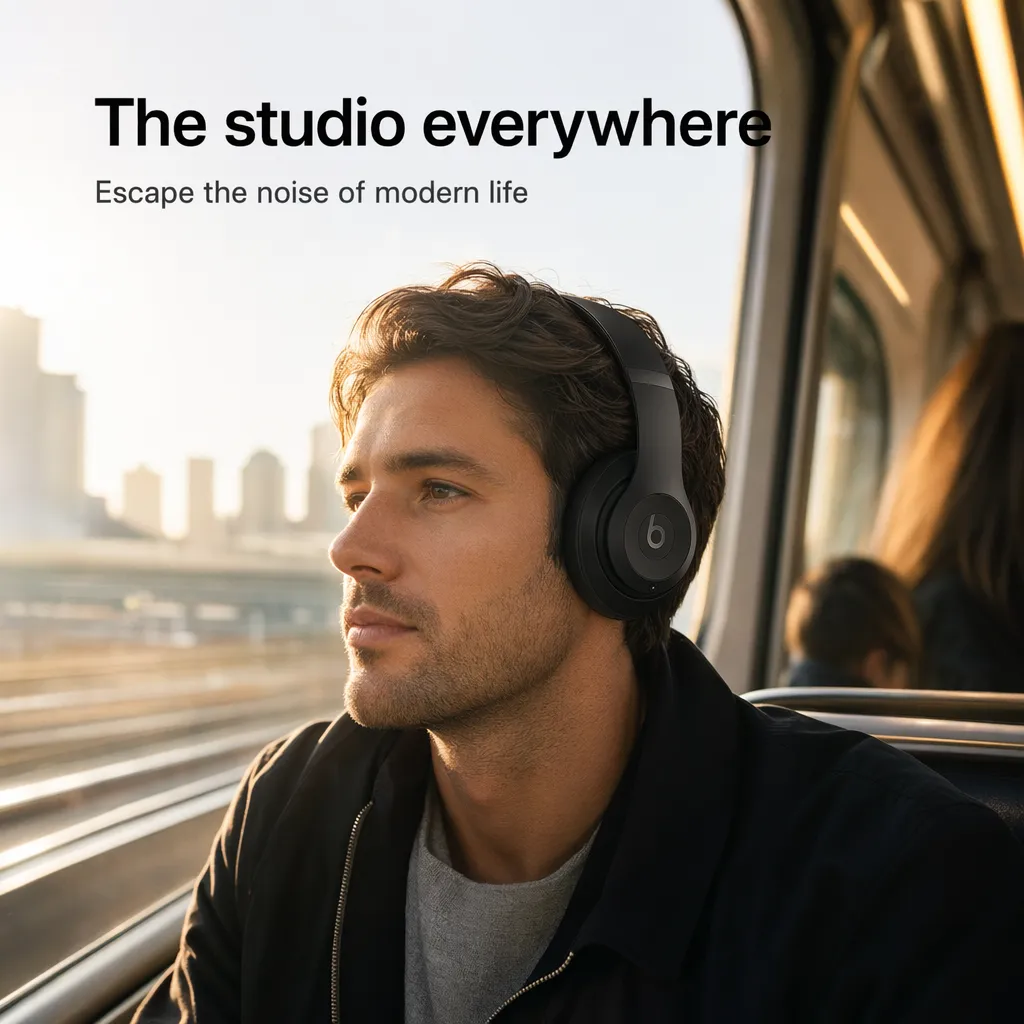
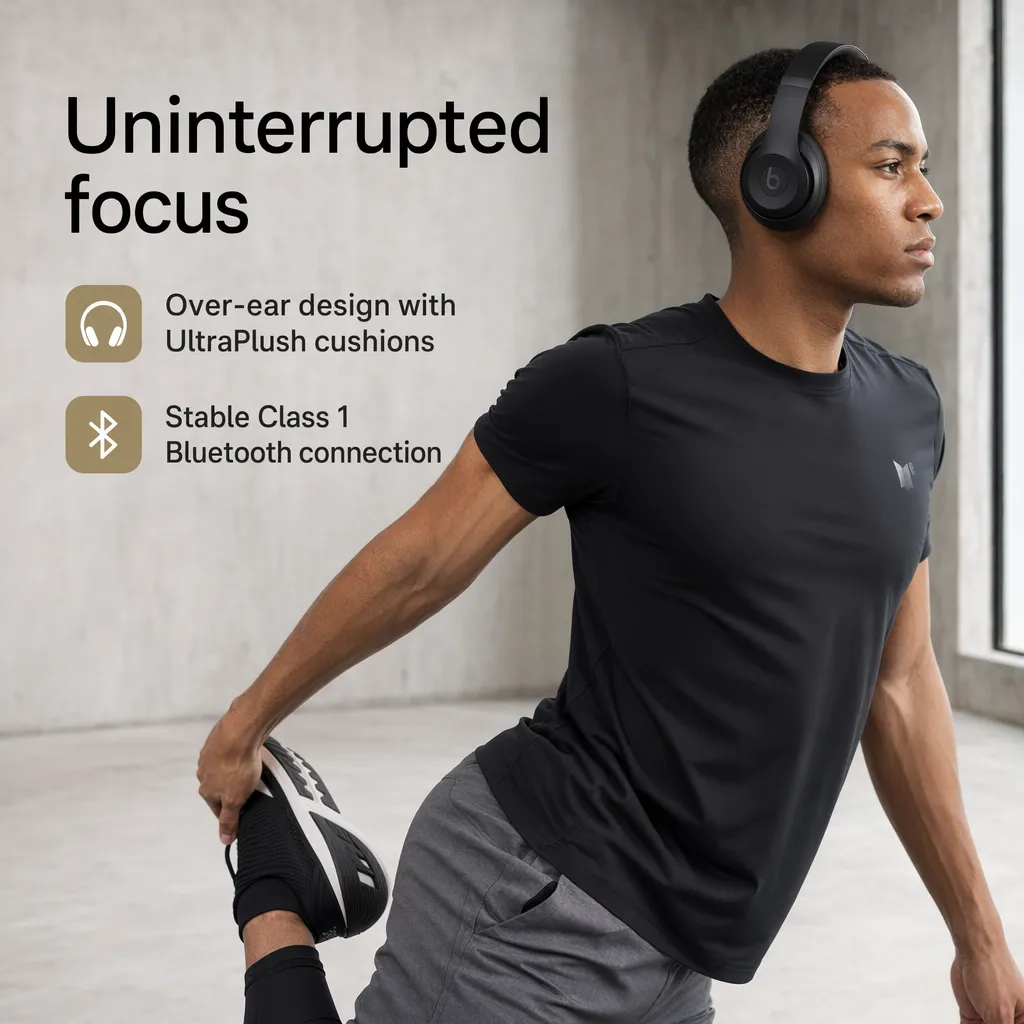
- Lifestyle or in-use shot, so the buyer pictures owning it.
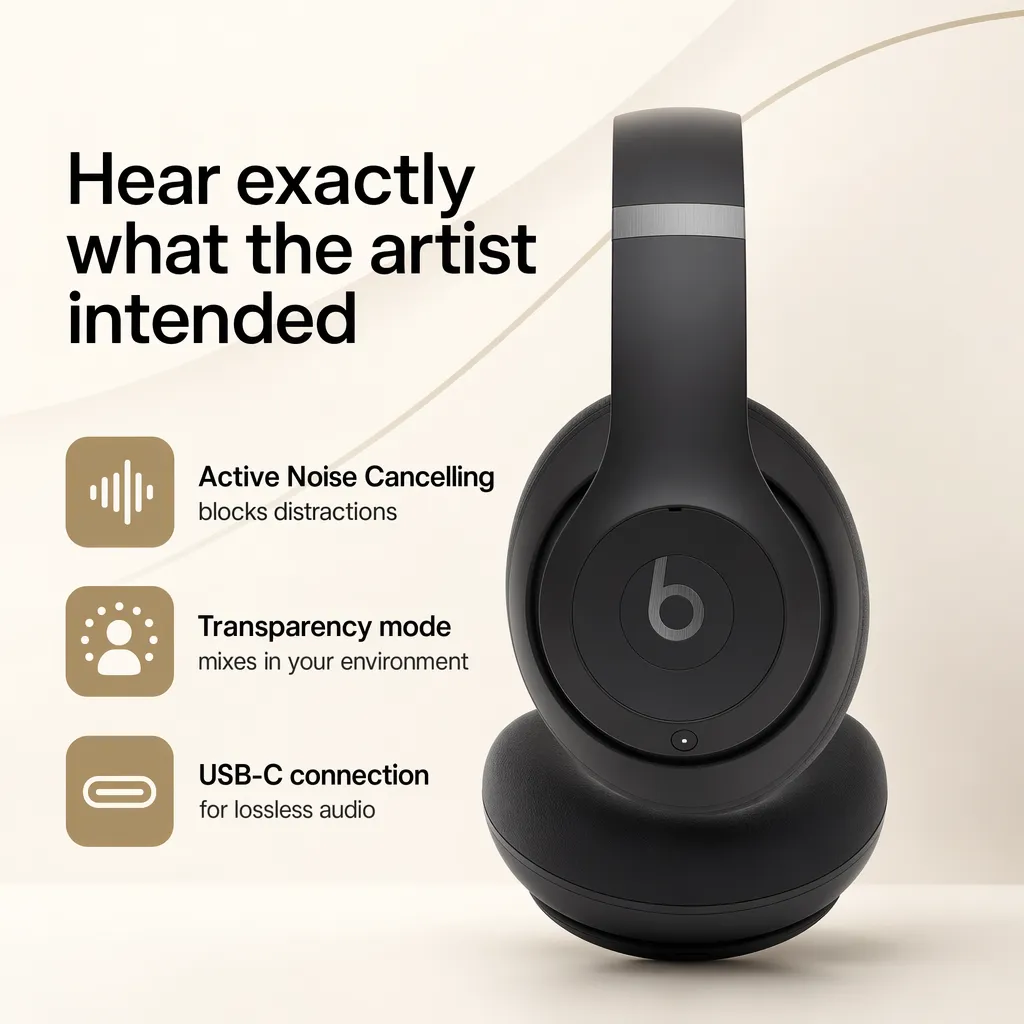
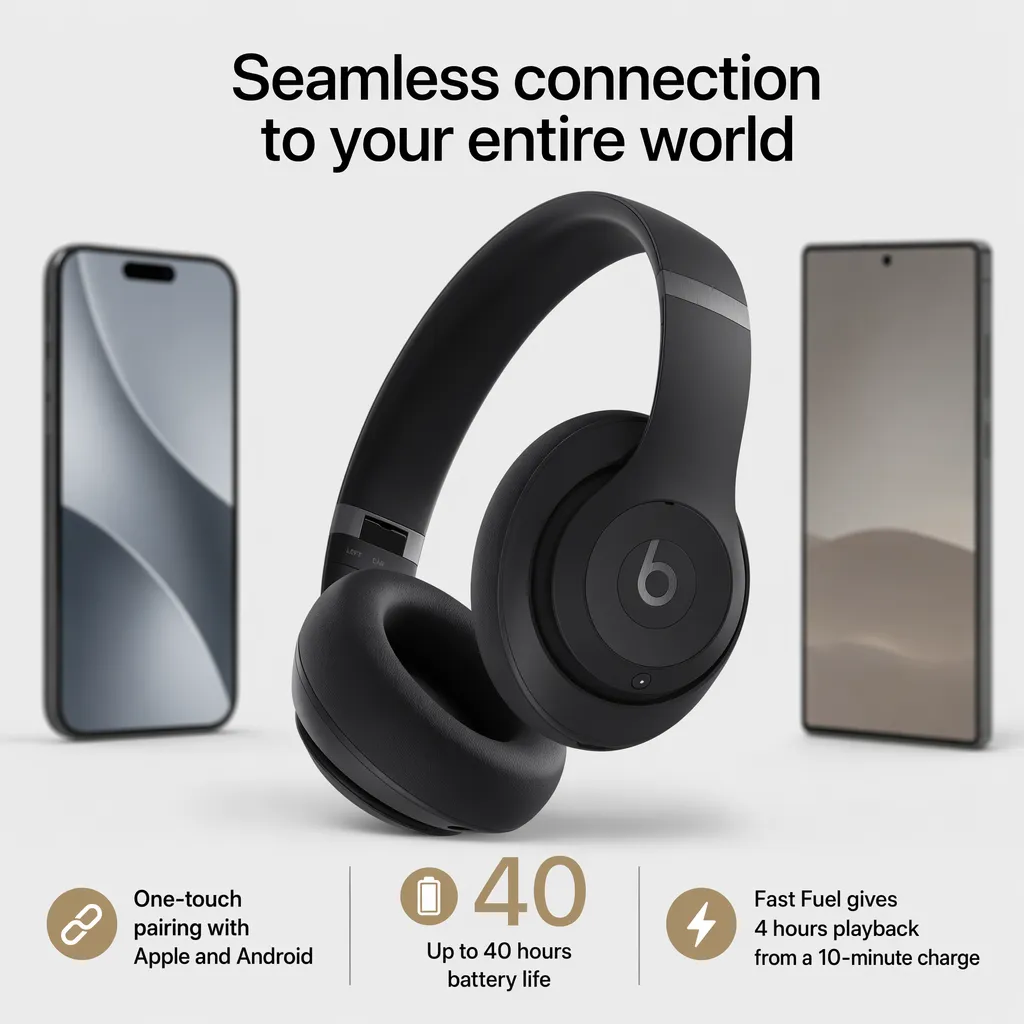
- Infographic, calling out the two or three features that overcome the biggest objections.
- Size or scale reference, answering “how big is it” before they ask.
- Detail or materials shot, building trust in build quality.
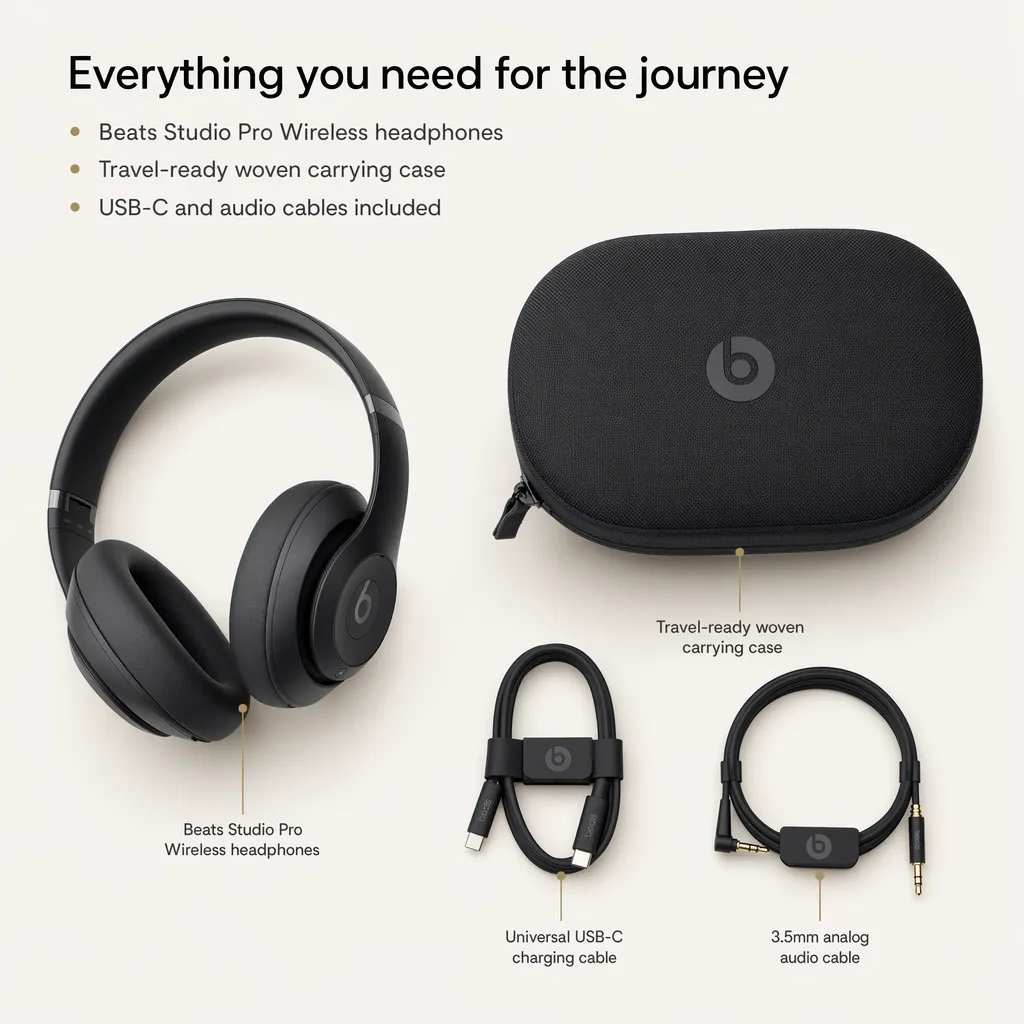
- What’s-in-the-box or comparison, setting expectations and cutting returns.
- Trust or social proof, reviews, guarantees, or brand story.
Sellers and brands typically see around a 20% sales lift from a better listing, which tracks with Amazon’s own data. That lift comes from the set, not any single image.
Amazon A+ content
Below the fold, Amazon A+ content is where brand-registered sellers lift conversion by 8 to 20 points, again by Amazon’s own numbers, at no extra Amazon cost. A+ content is built from modules: comparison charts, feature banners, lifestyle blocks, and brand story sections, in both desktop and mobile layouts. Good A+ content repeats the gallery’s story in more depth and answers the questions a shopper still has at the bottom of the page.
The mistake most sellers make is shipping the gallery and skipping A+ content, or bolting on generic modules that do not match the gallery. The set should feel like one brand from the main image down to the last A+ block.
The Amazon infographic
The single highest-leverage supporting image is usually the Amazon infographic. It takes the two or three objections that stop the sale and answers them visually, in the three seconds a shopper actually spends. Bullet text below the fold does not get read; an infographic does. The hard part by hand is keeping it on brand and consistent with the rest of the gallery, which is where a system beats one-off design.
When to use listing services vs Pixii
When to use Amazon listing services
- A flagship product or a full brand reset
- One-of-a-kind creative that needs human art direction
- Strategy work that goes beyond the listing itself
When to use Pixii
- Everyday listing production and refreshes at volume
- A compliant main image, gallery, infographic, and A+ content as one set
- Catalog-wide consistency across variants and languages
- Fixing one callout or module without rebuilding the set
Amazon listing services and agencies have their place, the flagship product and the brand reset. The mistake is paying agency rates and waiting agency timelines for the everyday work of building and refreshing dozens of listings.
How Pixii does listing optimization
From an ASIN or a product photo, Pixii builds the set, main image, gallery, infographics, and A+ content, each piece editable. The full step-by-step is in our Amazon product photography guide.
See it on your own product. Drop an ASIN or a product photo and get a full, editable listing set in about two minutes.
The full set, from one ASIN

What sellers see
We went from processes that will take one to two weeks, to a matter of days now.
Out of 3000 people who are clicking only 2.7% converts. This is where the problem is.
Listing optimization is a full-set problem. Image requirements, gallery, infographics, and A+ content all work together. Run your ASIN through Pixii to see the whole set on your own product.