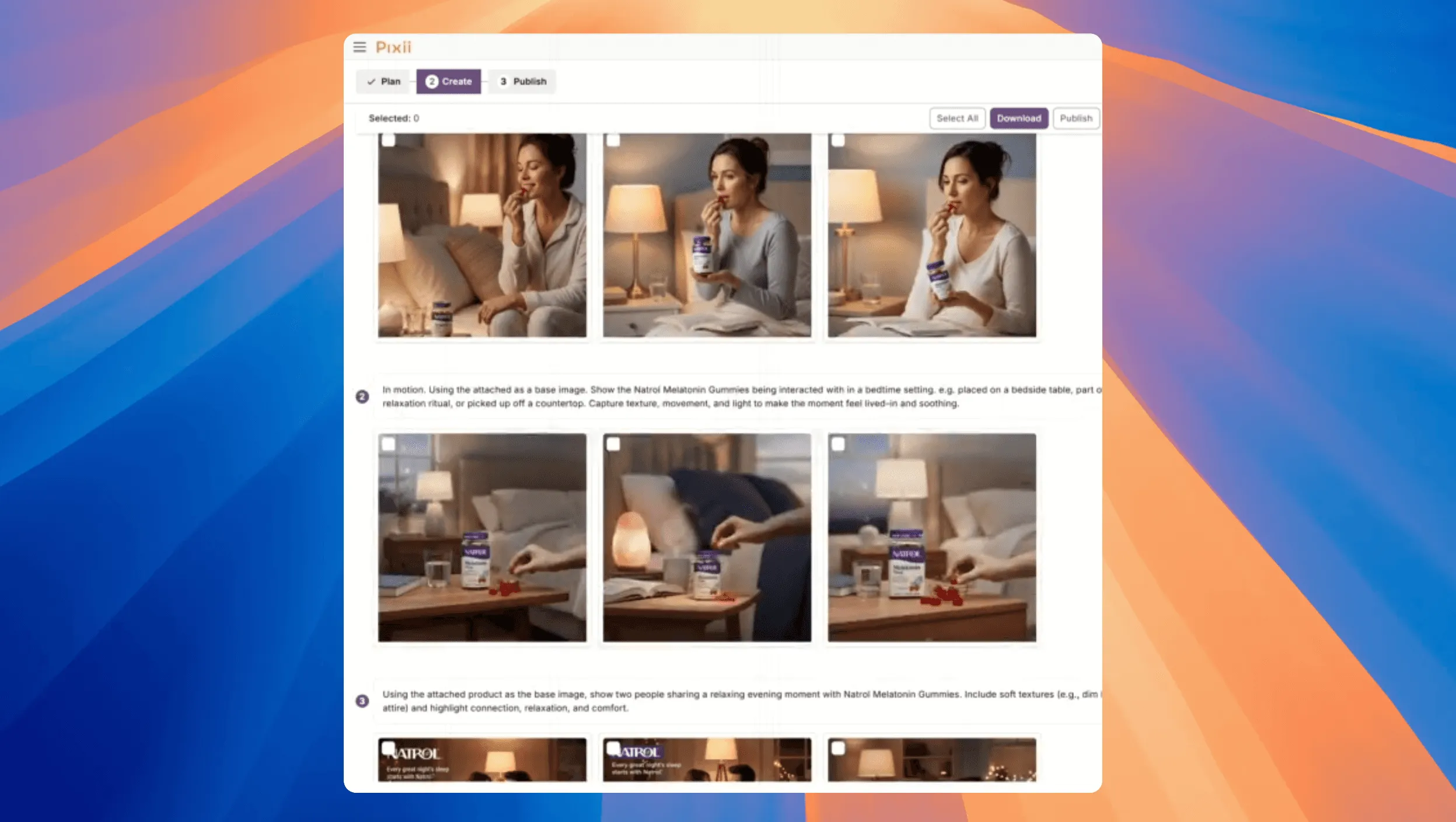
You can now feed Pixii your brand + product link, pick a playbook, drop one good photo, switch the mesh model to Nano Banana, and hit Generate All Visuals. You’ll get ~20 lifestyle shots in about two minutes. Here’s the exact flow.
Why this is useful
Launch calendars don’t care how long creative takes. You need volume + consistency without hand-holding every image. Pixii reads your brand, pulls product details, and spins up a full set of on-brand visuals fast—so you can test, localize, and ship in the same hour.
How it works
- Start a brand profile: Paste your site URL, let Pixii read it, and lock in your fonts, colors, voice, and logo.
- Pick a playbook: Choose the Lifestyle expert playbook built from big-brand patterns.
- Link your product: Drop your Amazon/PDP URL so Pixii pulls title, bullets, specs, and claims.
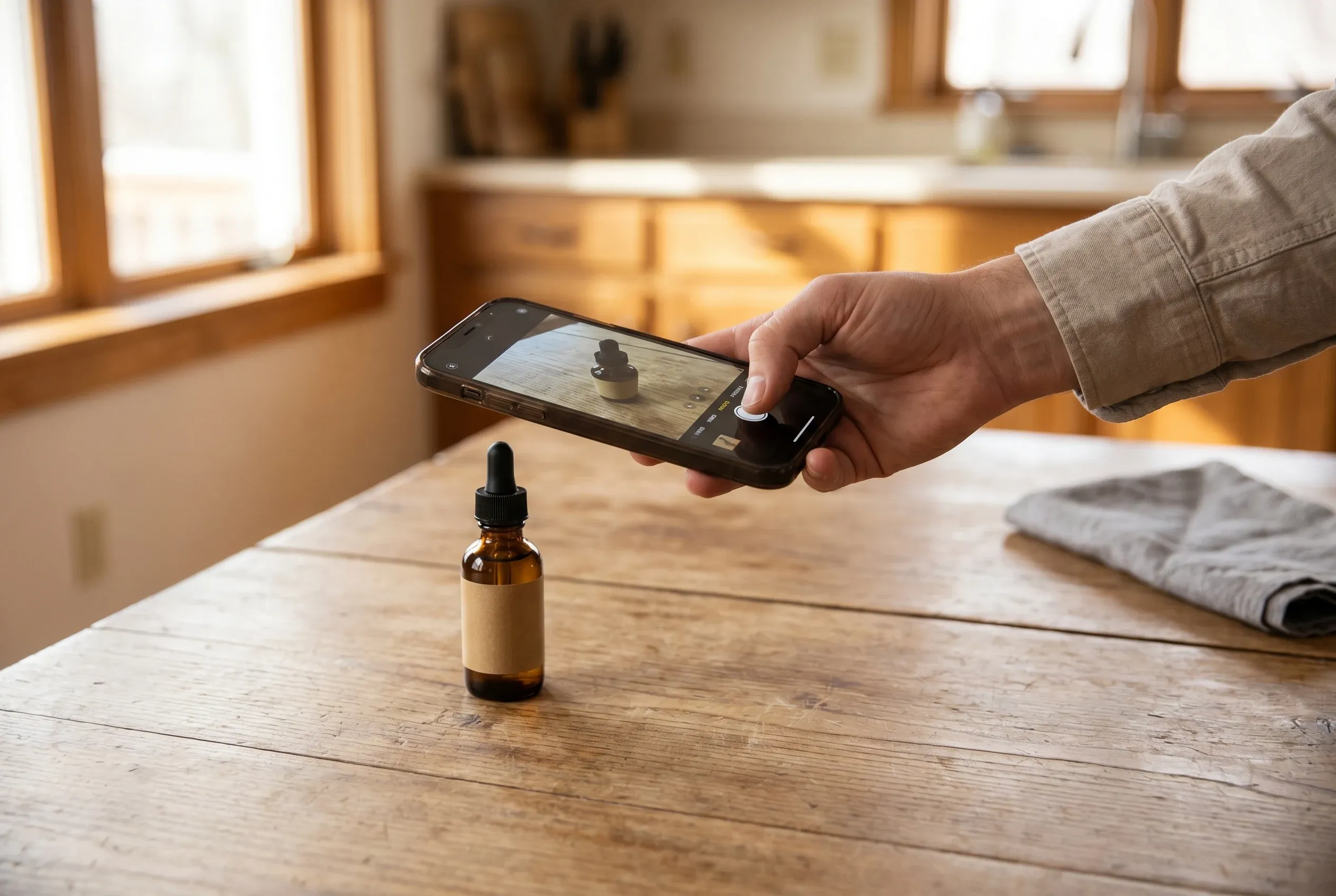
- Add one good photo: Use a sharp, well-lit product shot with clean edges and natural shadow.
- Let Pixii plan it: Click “Revise Playbook for Me” to auto-build prompts, templates, styles, and ratios.
- Switch to Nano Banana: Set the model to Nano Banana for fast, consistent lifestyle renders.
- Generate the full set: Hit “Generate All Visuals” to get ~20 images in about two minutes.
- The takeaway: One setup, one click, twenty on-brand lifestyle shots ready to ship.
That’s it: brand read → playbook → product link → one good photo → Nano Banana → boom, full set.
What you’ll get (and why it works)
- On-brand color/type baked in from your site read.
- Product-truthy scenes because Pixii ingests your PDP details.
- Variety with guardrails: different backdrops/angles/props, still consistent with your brand voice.
- Ready-to-ship sizes (1:1, 4:5, 16:9) based on the playbook.
Pro tips for cleaner results
- Garbage in, garbage out: Start with a sharp, high-res product photo.
- Let copy drive composition: If your PDP bullets mention “matte finish” or “spill-proof,” that context steers the visuals.
- Batch once, tweak fast: If one image needs a micro-fix, use SpotEdit (change a cap color, clean a glare) without re-running the whole set.
- Iterate in rounds: Keep the winners, regenerate only the misses with a small prompt nudge.
The takeaway
You don’t need twenty prompts or twenty retouches. You need one setup that respects your brand and product facts—then a button that makes the set.
Related